Insurance defense case management software, from assignment to close
The adjuster wants a status report, the court set a date, and the carrier wants a LEDES invoice. One system holds all three.

Report on time, bill cleanly, and see every deadline
Answer the adjuster from the file
Notes, documents, deadlines, and correspondence live on one case file, so when the adjuster calls for a status, the answer is on the screen instead of buried in someone's inbox.
Send LEDES invoices from the case
Time and expenses are recorded against the file and exported as LEDES 1998B with UTBMS codes, so the invoice is built from logged work instead of being rebuilt the day it goes to the carrier.
See every deadline across your files
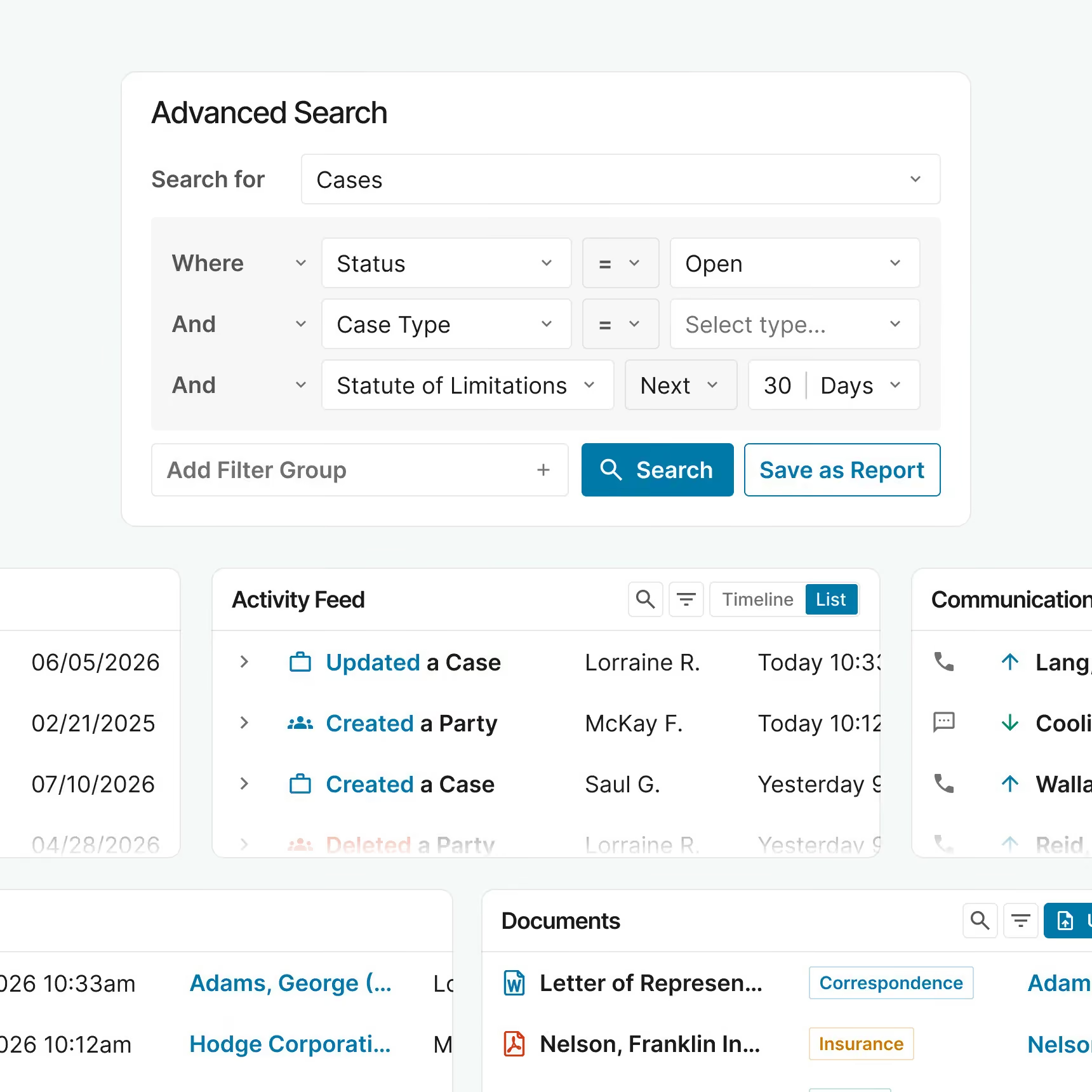
Scheduling order and discovery dates go on the calendar when the file opens, and one view shows what is coming due across every file, so nothing waits on a spreadsheet built by hand.
How insurance defense practice management runs in Neos
Open the file with everything the carrier sent
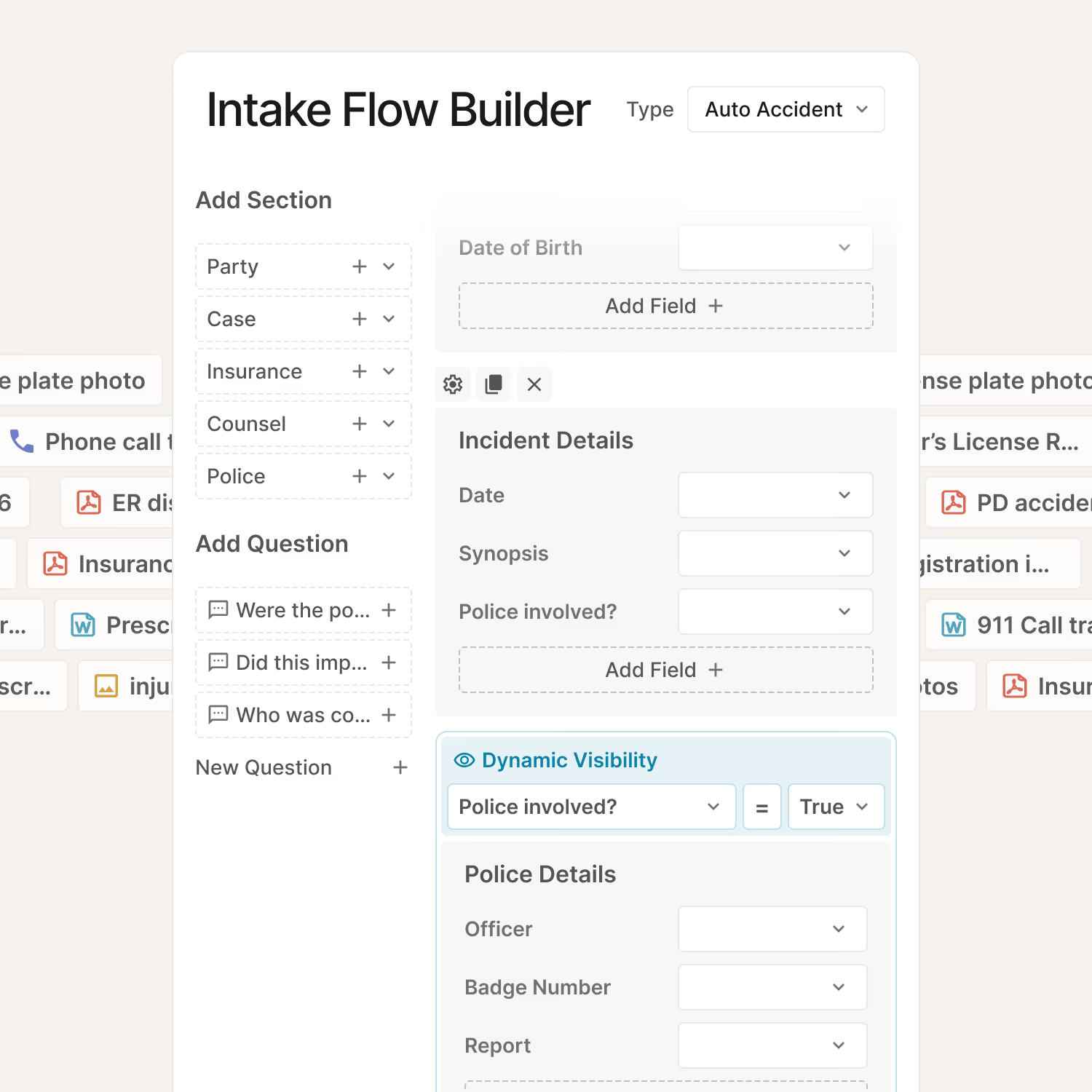
New assignments come in with the carrier, claim number, adjuster, insured, and plaintiff's counsel captured on the file. Scheduling order and discovery deadlines go on the calendar from day one, and the checklist for that case type starts right away.
Keep pleadings, discovery, and email together
Pleadings, discovery, records, deposition transcripts, and email live on the same file, filed from Outlook without leaving the inbox. Searchable PDFs, Bates stamping, and redaction sit in the same system, so preparing a production does not mean opening a second tool.
Draft reports from what is already on the file
Build your report and letter templates once, then generate initial reports, status reports, and correspondence from case data. NeosAI summarizes plaintiff medical records and long documents before the attorney starts reading.

Bill in LEDES and close with the history intact
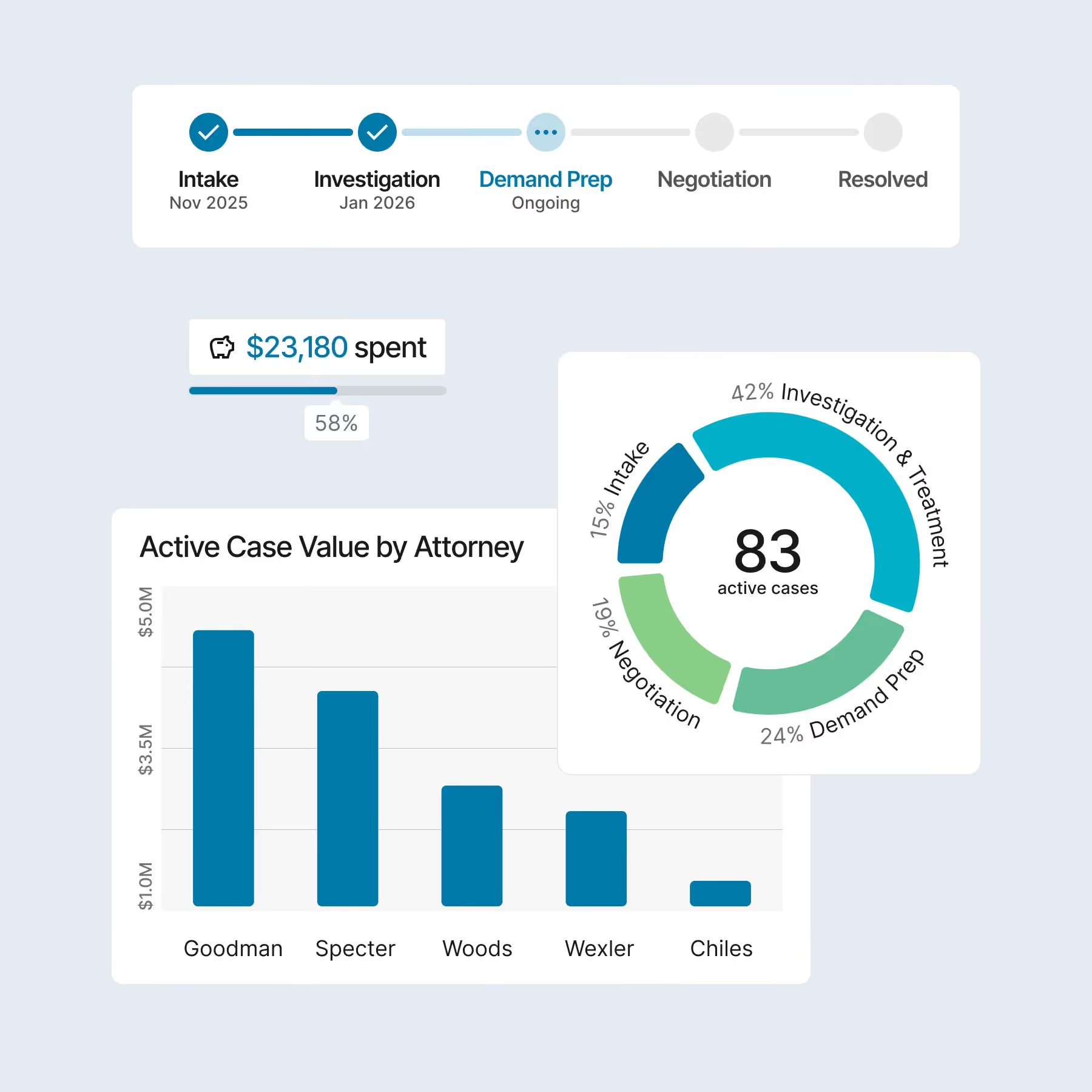
Record time and expenses against the file and export invoices as LEDES 1998B with UTBMS codes. When the matter resolves, close the file with its full history in place, so the record is there if the carrier audits the bill or the case comes back.
Why insurance defense firms choose Neos
A layout for each case type
Each case type gets its own layout, intake fields, and checklist, so a trucking file and a professional liability file each open with the fields and deadlines that file needs.

One system, not a stack
Case files, documents, calendars, time, and LEDES invoices run in one system, so the invoice the carrier audits is built from the same file the adjuster asks about.

No server to patch
Neos runs in the cloud and ships a release every two months, built on 40+ years in case management, so updates and maintenance come off your administrator's list.

Testimonials
“Having Neos in the cloud is a plus on both sides, for our users and for me, not having to maintain it ourselves.”

"Neos is solving our need for remote access and cloud-based software. It’s great for our remote workers and I love that I can be anywhere and access my documents."

Frequently Asked Questions
What is insurance defense case management software?
Insurance defense case management software, also called insurance defense practice management software, runs a defense file from assignment to resolution: carrier and claim details, court and discovery deadlines, documents and productions, reporting to the adjuster, and LEDES billing, all on one case file. With Neos, attorneys, paralegals, and billing staff work from the same record instead of separate calendars, folders, and spreadsheets.
Does Neos support LEDES billing for insurance defense?
Yes. Neos exports invoices in LEDES 1998B with UTBMS codes, turned on in Firm Preferences. LEDES is the standard electronic invoice format most insurance carriers require from panel counsel. Because time and expenses are recorded on the case file, the LEDES file your billing team uploads to the carrier's e-billing system is built from the work already logged, not retyped from timesheets at month end.
How does Neos integrate with the tools our firm already uses?
Neos connects to the tools most personal injury firms already run. Files can be stored in SharePoint and OneDrive. The Outlook add-in lets your team file email to the case and take quick actions without leaving the inbox. Documents work with Microsoft Word, and accounting connects to QuickBooks. If your firm relies on other software, bring the list to your consultation and we’ll go through which connect.