Medical chronologies and demand letters inside the case.
No exporting, no second tool. Demands Plus builds the chronology from the case file in Neos, then drafts the demand from it.
The medical chronology and the demand letter are tedious, time-consuming, and expensive work on a case.
Demands Plus assembles the chronology and drafts the demand from it, both from the case you've already built. No late nights for your team, and no bolt-on tool where you export huge files and wait hours for them to upload.
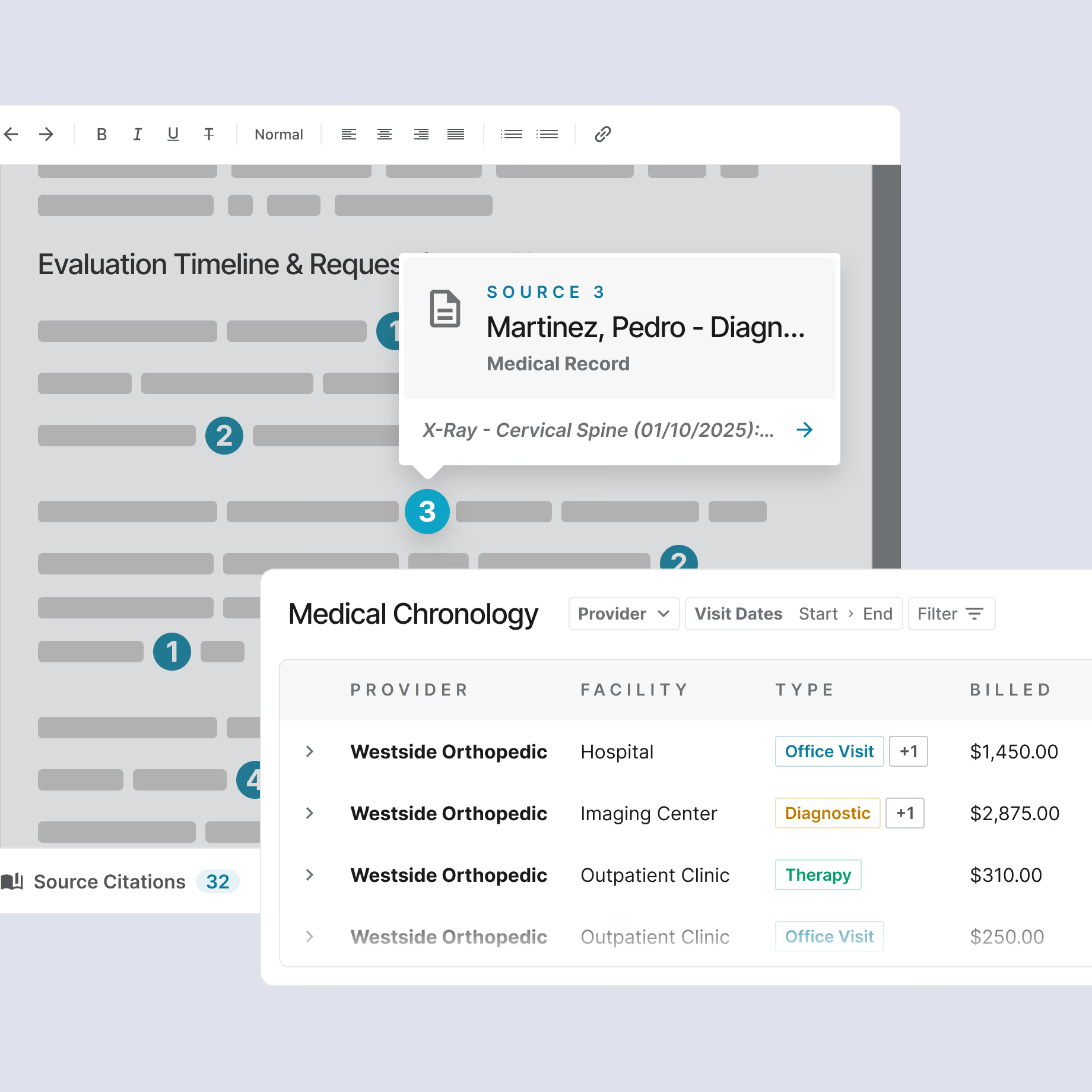
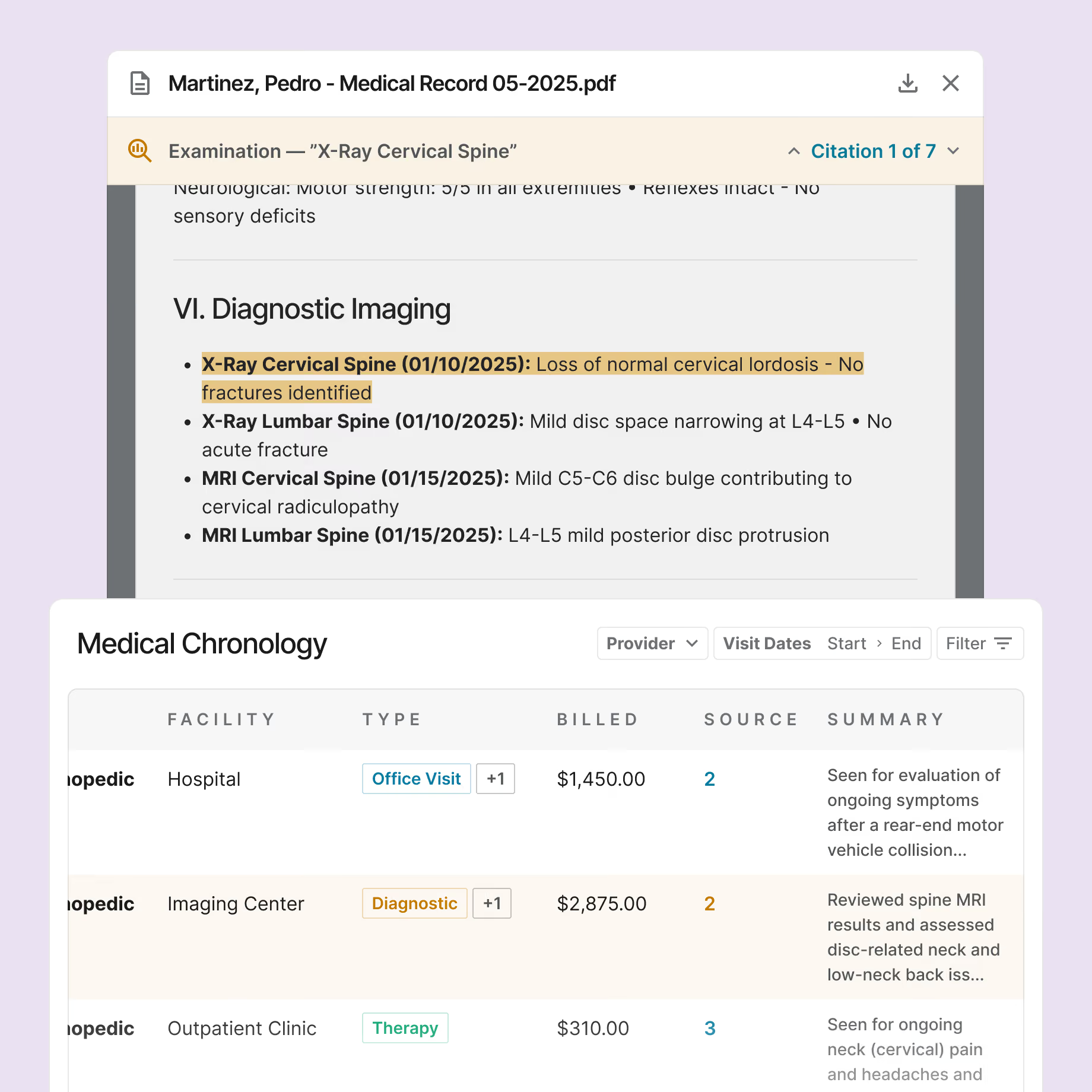
A complete medical chronology, every entry sourced to the page.
Down to the document and page, so your team and your experts can verify each one for review or litigation.
Dates, providers, diagnoses, treatments, and outcomes pulled from the records, catching events a manual read can miss.
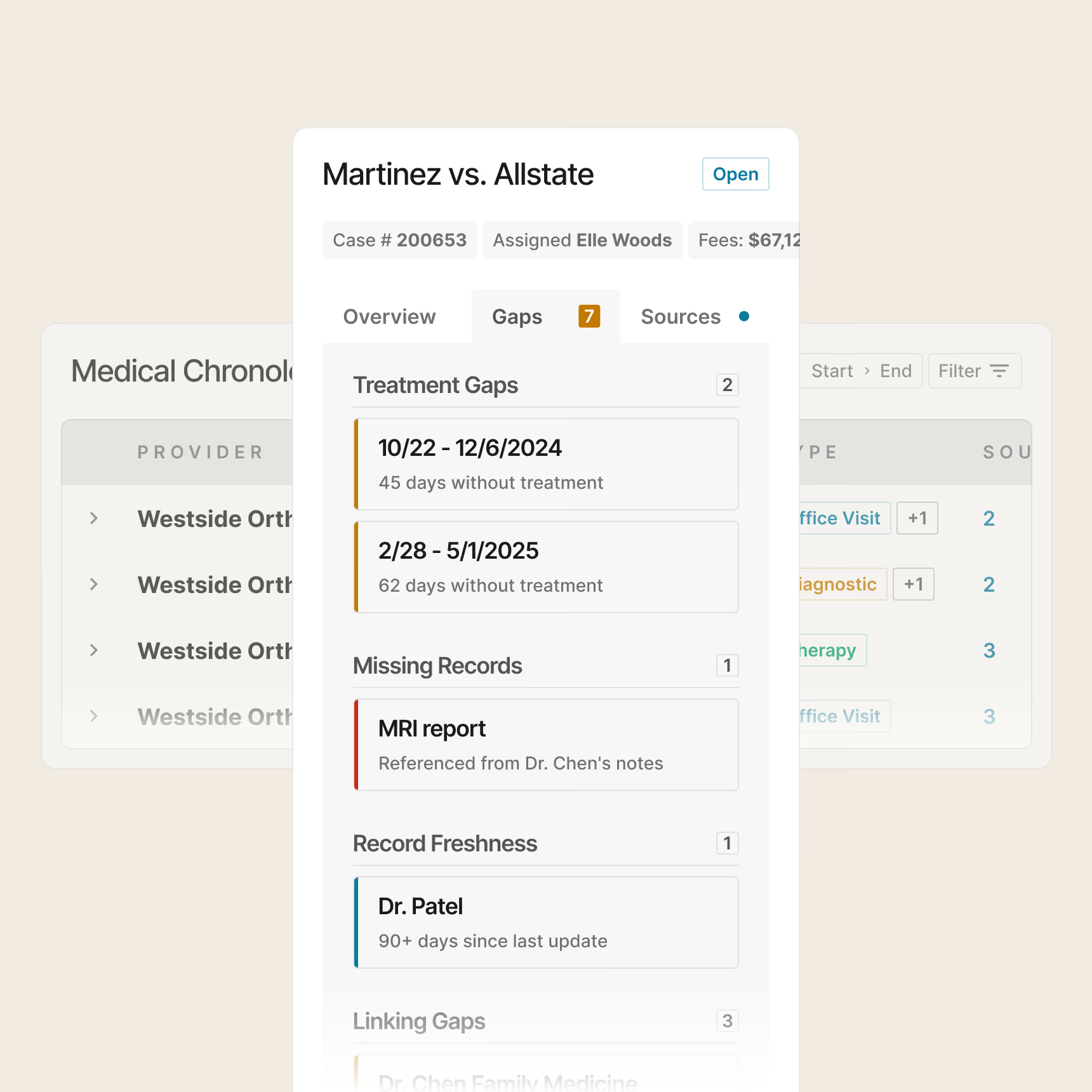
Breaks in the treatment timeline, surfaced while you can still do something about them.
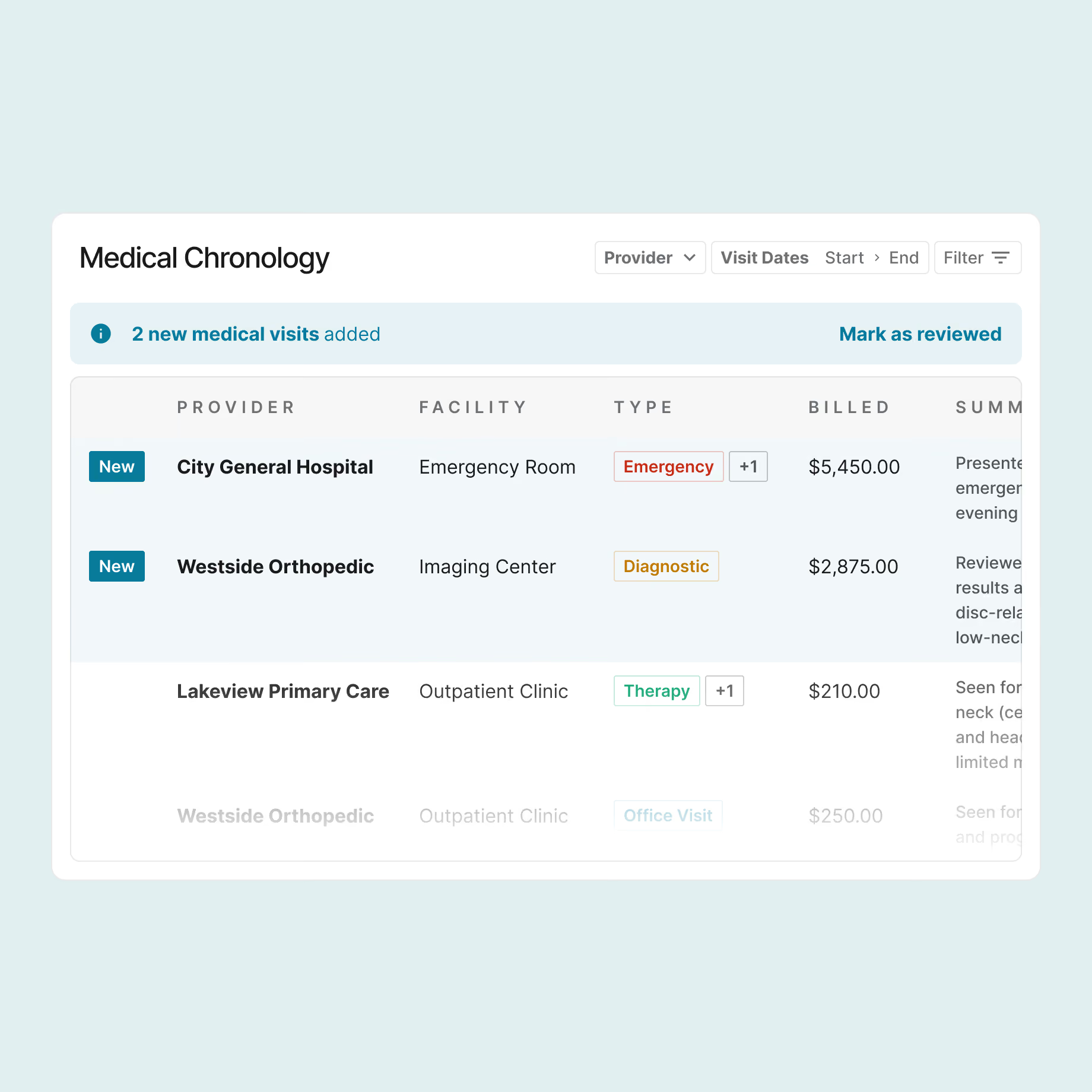
Drawn from the records already in Neos, and it updates as new records come in.
If you've ever done this work yourself, I don't have to tell you how much time this saves. That chronology took me two full weeks at 40 hours a week. We're not talking hours. We're talking days, and sometimes weeks, you're giving back to your team.

Two passes, one system. The chronology establishes the facts. The demand letter makes the argument.
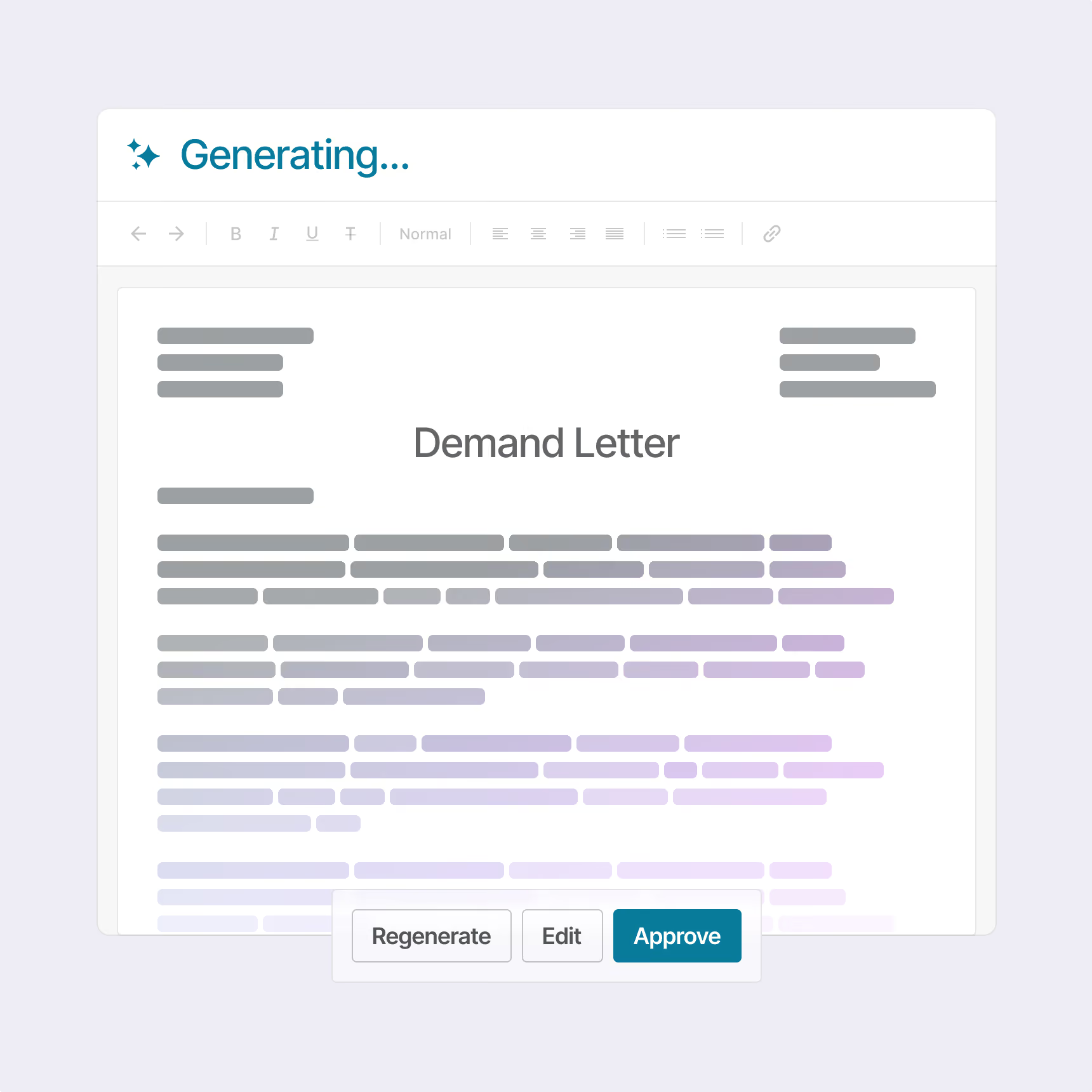
The chronology becomes a demand letter your attorney can verify line by line.
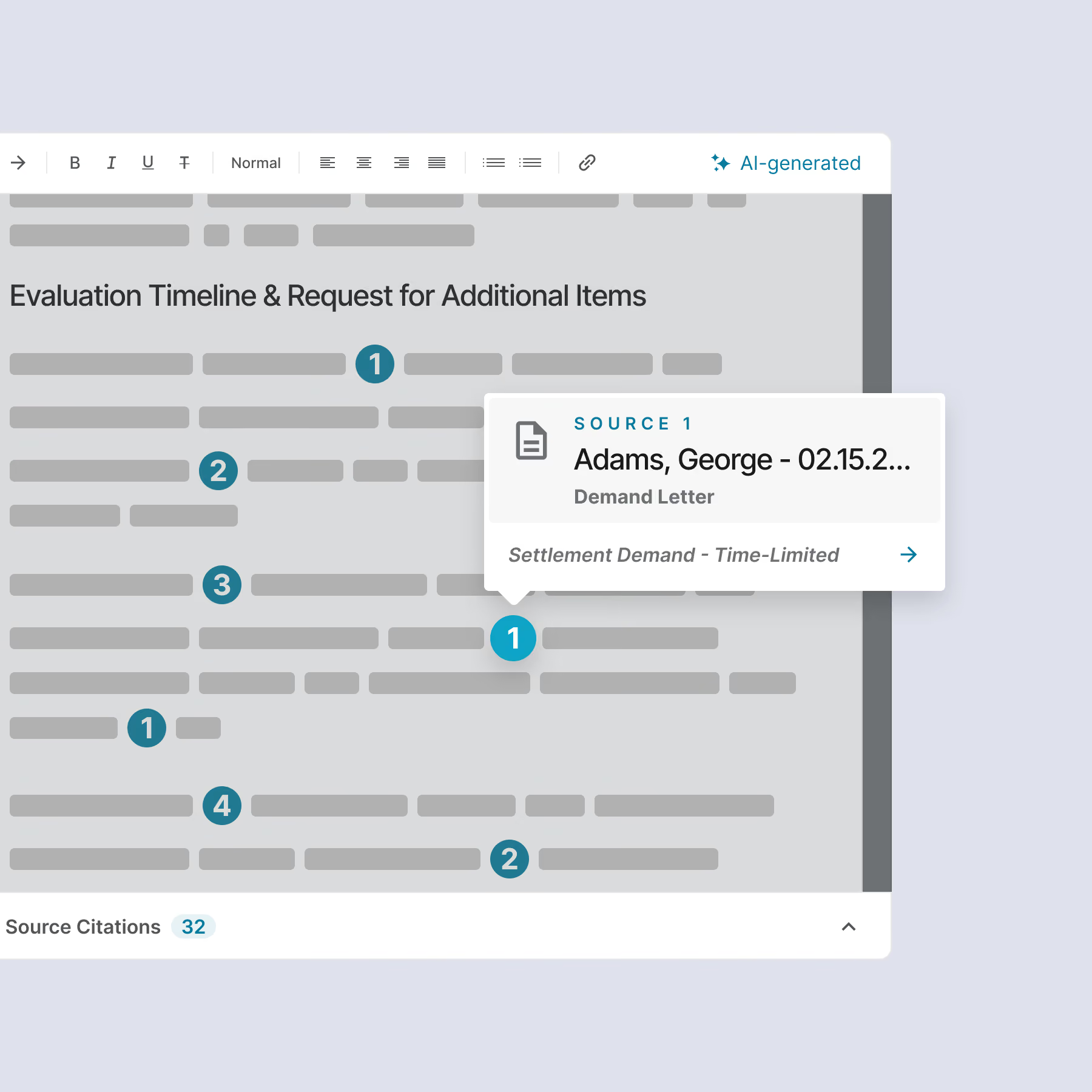
Click any citation to open the record it came from, so your attorney can verify what the draft says, and nothing is final until they approve.
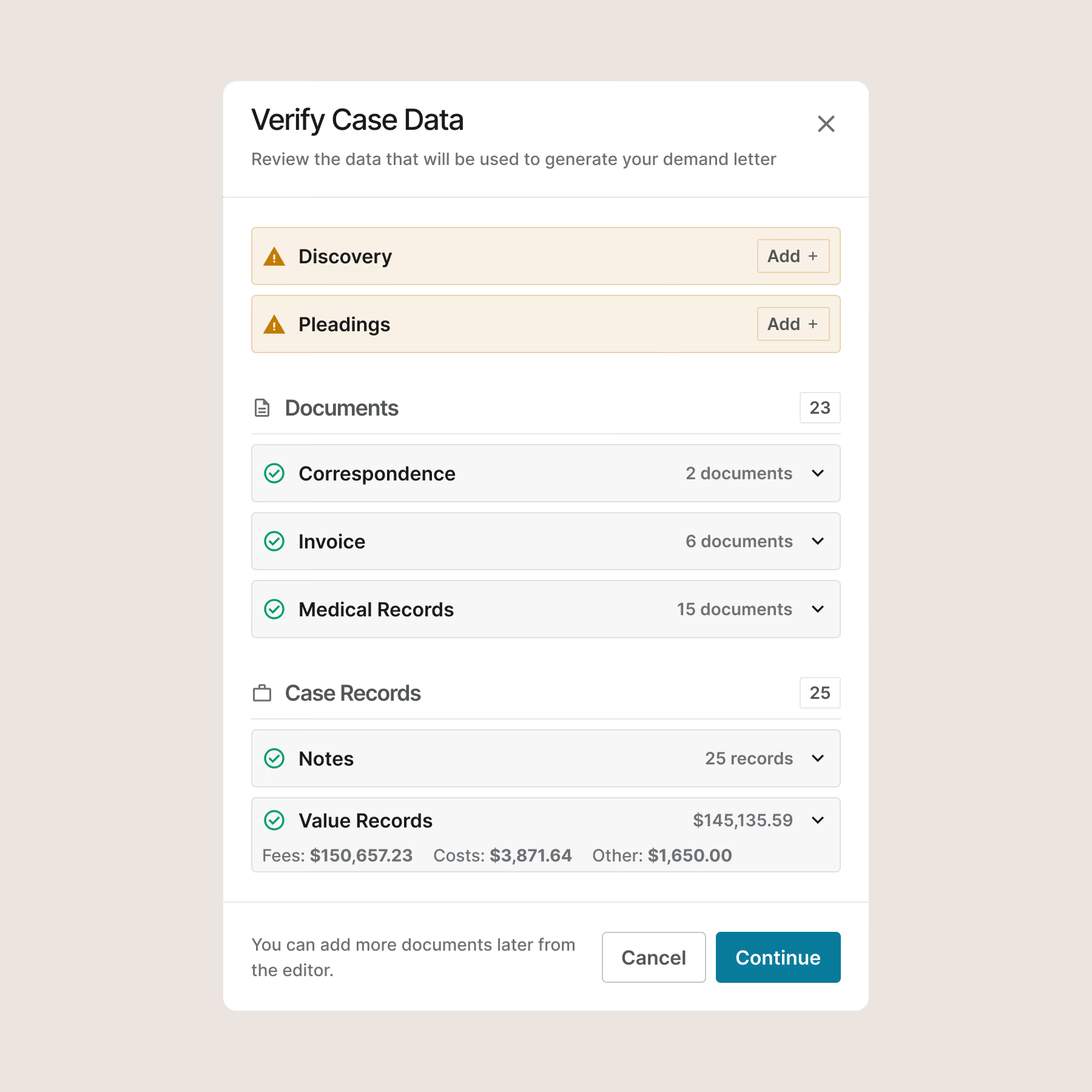
The chronology is already assembled and sourced, so the draft starts there rather than from raw records, and it draws on the emails, call logs, and notes too. Nothing gets re-keyed.
Every demand stays attached to its case, ready to reopen and edit.
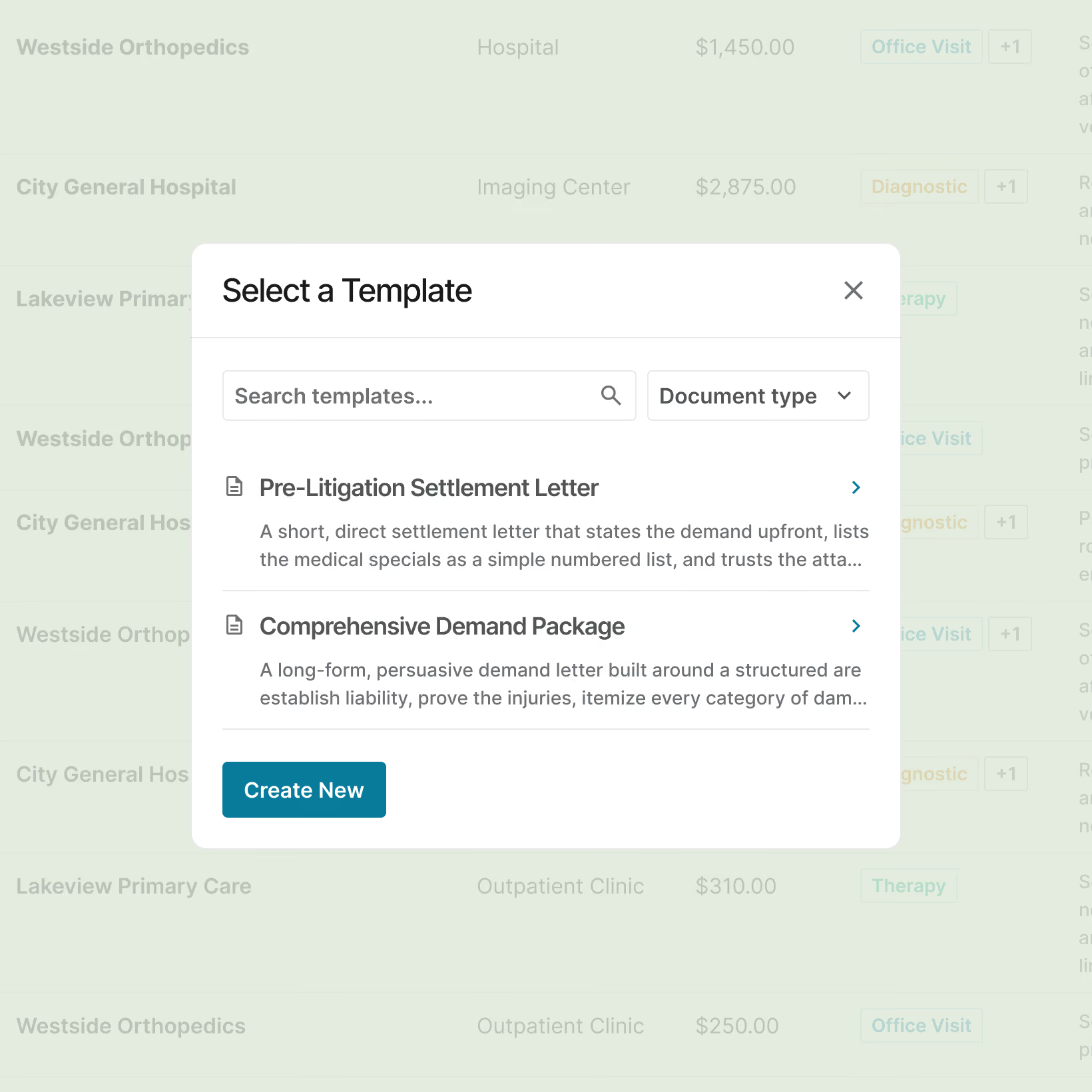
Trained on your own past demands, so every drafter's letter comes back to one firm standard.
The personal narrative section of the demand letter is just amazing. You all really stepped it up. I was genuinely impressed.

Other tools make you bring the case to them. Demands Plus is already in the case.
Everything comes from the case you already have. Not just the records: the emails, the call logs, the notes your team already wrote. Other tools only see what you can export. Demands Plus builds the chronology on the live case and drafts the demand from the whole file.
Standalone tools
Bolted on beside your system.
Only the records you can export, nothing else from the file
Upload to a separate tool
Reconcile a copy, then re-import
Another login, another vendor
Demands Plus inside Neos
Part of the live case.
Every line sourced to the record
Draws on the whole case file, records, emails, calls, and notes
The chronology feeds the demand letter
To your firm's standard, every document
By hand
The manual way.
Read the records page by page
Build the timeline from every page
Draft from scratch and check every fact
Two or three rounds of revision
Get on the list for early access.
Build your next medical chronology inside the case you already have, and draft the demand from it. Add your firm to the early access list, and we'll reach out if a spot opens.
Frequently Asked Questions
Can AI write a demand letter, and how long does it take?
Yes. AI can draft a demand letter from the facts of a case. Neos Demands Plus does it from the case file you already have in Neos, pulling the records, notes, and values on the file to return a settlement-ready first draft in about 15 minutes, or around 30 minutes including attorney review, against the 4 to 8 hours a PI demand usually takes by hand, roughly 30 times faster. Every claim is cited back to its source, and your attorney reviews, edits, and approves the draft before it goes out. The AI does not decide on causation, damages, standard of care, or whether a case has merit.
What is the difference between an AI demand tool built into case management and a standalone one?
A standalone tool sits beside your system: you export the records, upload them, and reconcile a separate copy against a case that has often already moved on. Neos Demands Plus drafts inside the live case in Neos instead, so there is no export and no second copy of your client's records. Every claim is cited back to the source on the file, and the draft comes back in your firm's own standard. It is one system instead of another login and another vendor.
How accurate is an AI-generated demand letter, and does an attorney review it?
A Neos Demands Plus draft is accurate because every claim is cited to its source and an attorney reviews it. Your attorney reviews, edits, and approves every demand before it goes out, and nothing sends without sign-off. Demands Plus writes the first draft from the record, and every claim carries a citation you can click to open the exact source in Neos, whether that's a document, a note, or a value on the case. So review means verifying against the file, not hunting for where a number came from. The tool drafts. It does not decide causation, damages, standard of care, or whether a case has merit. Those stay your judgment and your expert's.
Will the demand sound like our firm, or like generic AI?
A Neos Demands Plus draft sounds like your firm, not generic AI. During setup, you train a template on a few of your firm's own past demand letters, and Demands Plus learns your format and tone from them. After that, every draft comes back in the same firm standard, whether it's written by a senior attorney or a new paralegal. You're not starting from a generic template on each case.
What do you need to use AI demand letter software?
To use Neos Demands Plus, you need Neos with Neos Platinum tier, plus the Demands Plus add-on. If your firm isn't on Neos Platinum tier, your account team will get you set up. Demand letters are in early access now; medical chronologies are coming soon.