Whether you’re still in the initial evaluation phase or you’ve fully transitioned to Neos, we want to help set your practice up for success within Neos.
In this guide, we’ll be breaking down features and functionality related to case information including—what’s new, what’s been updated, and where you can find it.
Let’s take a look and dive into where you can find case information in Neos.
Case Information: Where to find critical data
All of your case-related information is located in our centralized cloud-base Neos platform. Understanding what transfers and what is merged into a new functionality is vital during the preparation phase and once you’ve fully migrated.
For instance, key information that was once located on the Trialworks Case Info Tab can now primarily be found on the Neos Case Tab. While some information including Invitees/Service Email, NCW, Case Budget, JCNo., Case Password, Storage Date, and Firm Name do not get transferred to Neos.
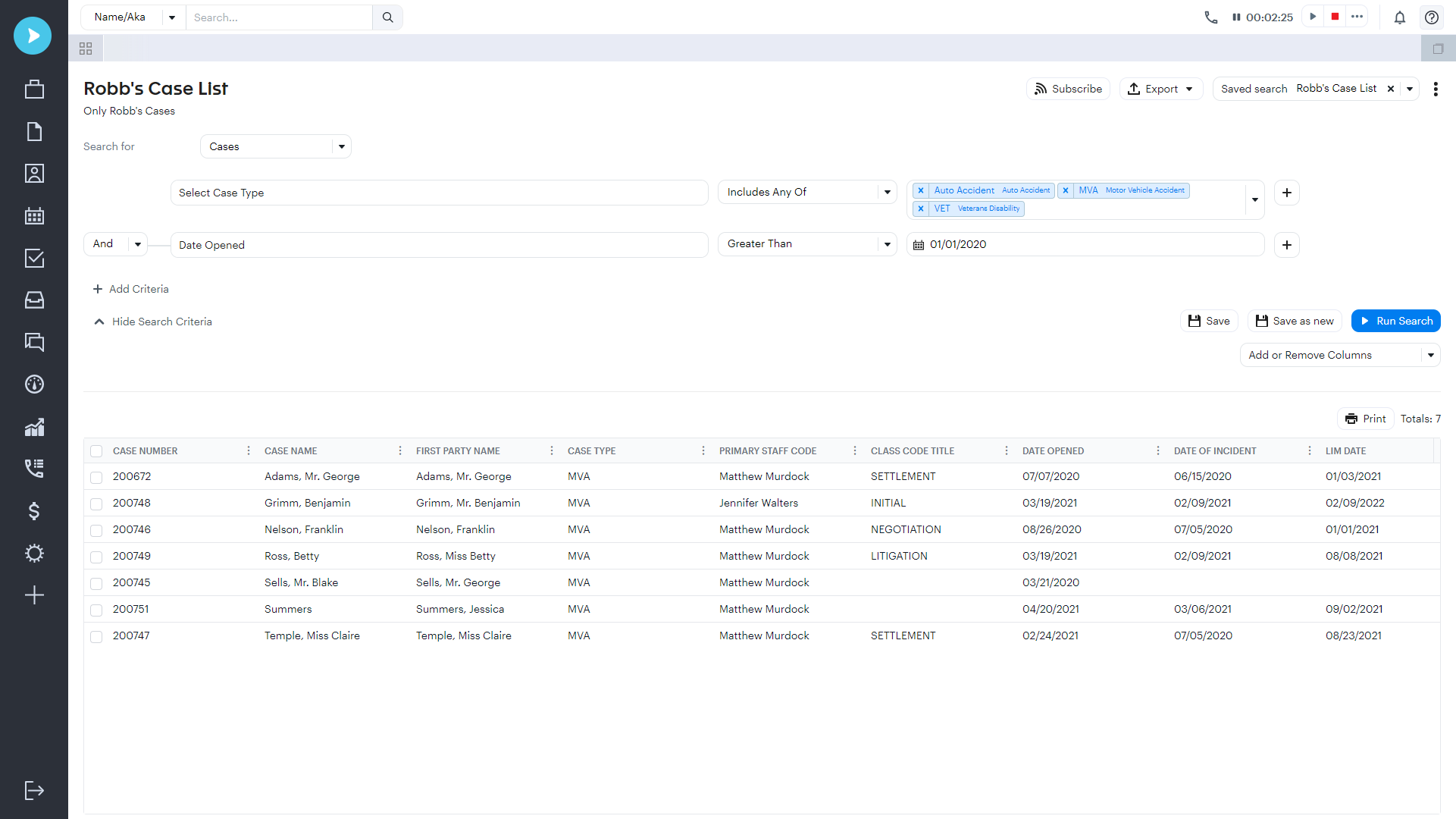
On the other hand, some fields find a new home in Neos. For example, Rainmaker, Type of Fee, Value, Referral 2 and 3, Fee or Referral %, and Fee move to the Neos Management Tab. Yet, some additional critical data, like Settlement Info, moves to the Neos Value Tab.
User-Defined Fields
The Neos Case Tab includes standard fields that carry information from the Trialworks Case Info Tab, such as Case Facts. These Neos User Defined Fields are built into the conversion to bring information from the Trialworks Case Info Tab standard fields to the Extras section.
In the Neos Case Tab, you’ll also see Court Information. In Trialworks, this type of information was used for template generation, but now this is not needed as the functionality is built into Neos.
Client and Other Parties
Information from the Trialworks Client and Other Parties Tabs has shifted to the Neos Party Tab. Other important information to keep in mind:
- Counsel Tab: If a counsel was identified on the Trialworks Other Parties Tab, the information will be found on the Neos Counsel Tab.
- Caption Tab: In the transition, the default or first caption from the Trialworks Caption Tab is brought over to the Neos Case Tab under the Court Information Section.
- Contacts and Related Contacts: Contacts from Trialworks are moved to the Neos Case Contacts and Related Contacts tabs.
Settlement Information
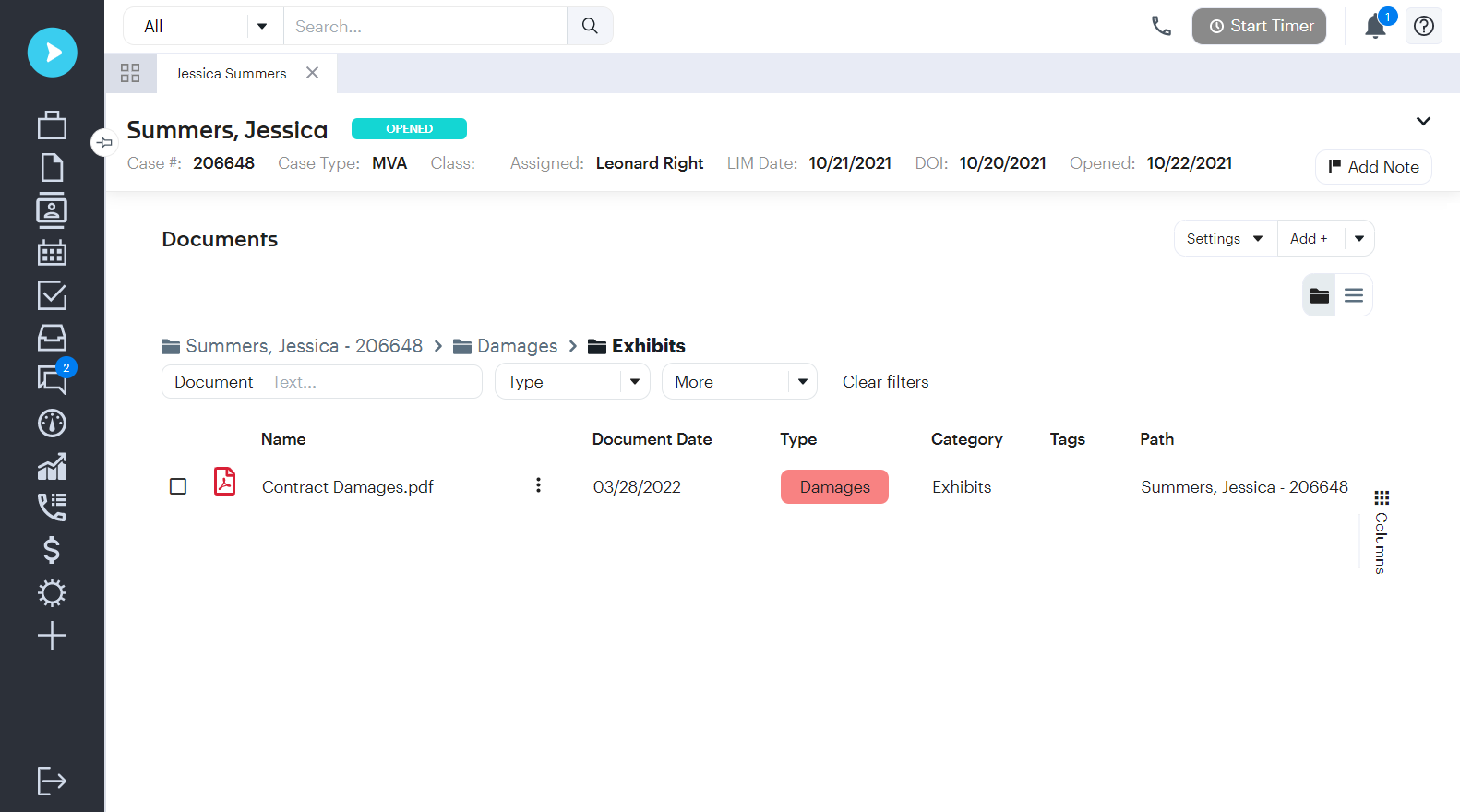
Settlement amounts and payments from the Trialworks Settlement Info category have now moved to the Neos Value Tab, with an entry for settlement and the payment breakdown under transactions.
Medical and Billing Information
All insurance information is migrated to Neos Case Docs Tab. For medical and billing information, this moves to the Neos Case Docs Tab. Any data that was entered into the Trialworks Medical Tab detail window will appear on the document on the Neos Case Docs Tab with the sub-tab called Medical, while any billing entries move to the Neos Value Tab.
Intakes
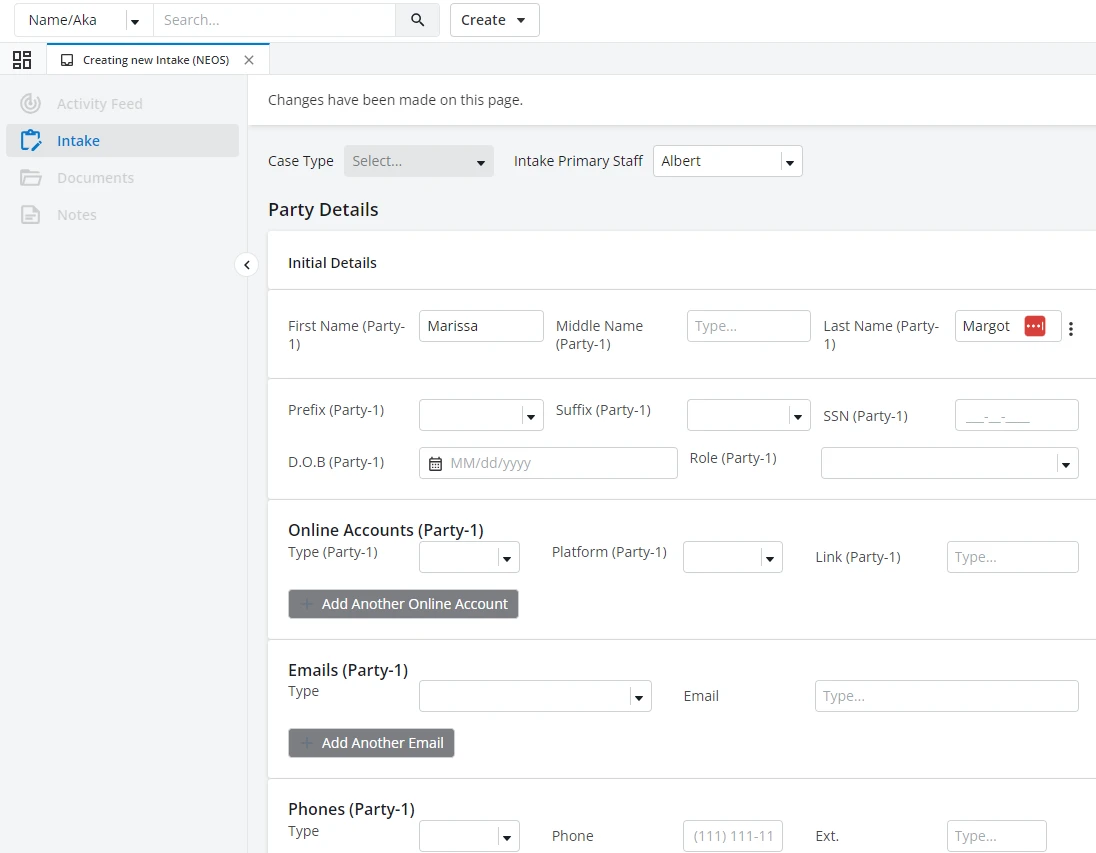
All information and documents from the Trialworks Intakes Tab moves to the Neos Intakes Tab. The Trialworks Cost Tab will also shift to the Neos Value Tab, with invoices and check copies going to the Neos Case Docs Tab.
Quickly and easily get started with Neos
Understanding these migration details is key to a smooth transition from Trialworks to Neos. Firms can take this opportunity to reorganize and optimize their case management processes, ensuring that the move to Neos enhances their practice's efficiency and productivity.
Want to learn more about the easy-to-use features in Neos? Check out Neos Academy for best practices and tips or watch the Trialworks to Neos webinar.