Document management built into the case
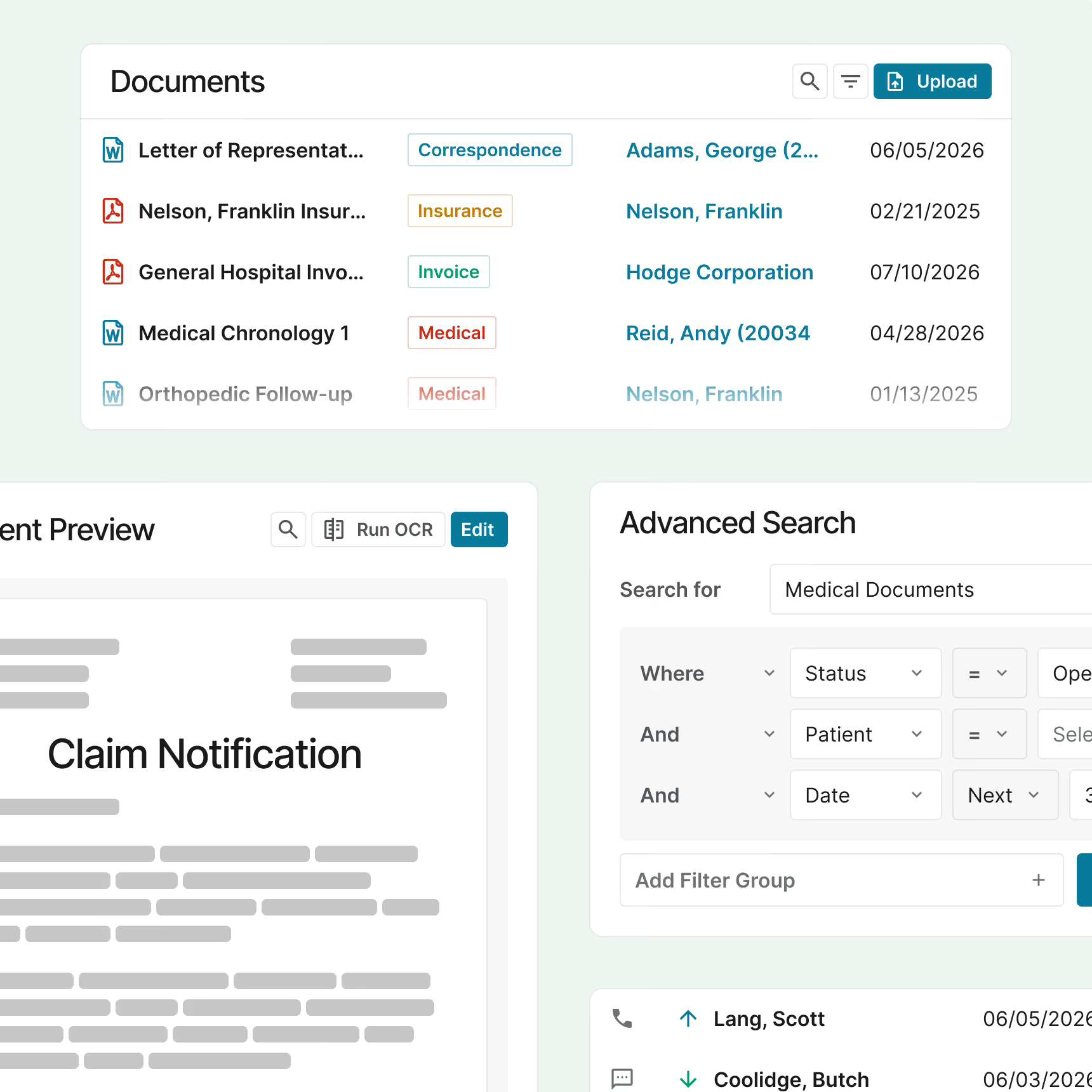
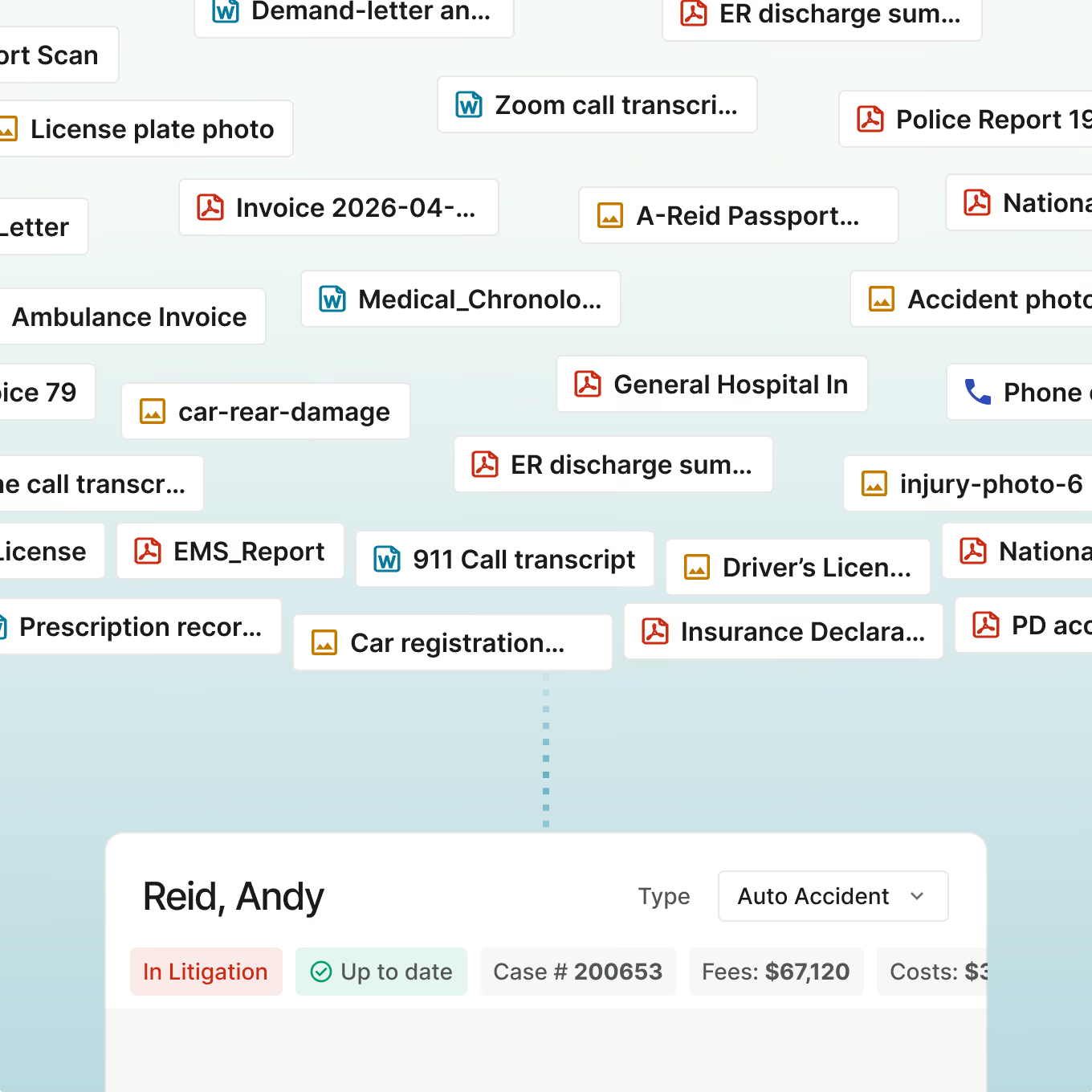
The records arrive and somebody still has to file them. Neos files incoming records to the right case automatically and makes every page searchable.
Video testimonial

It would take several hours to digest medical records. Now it's a few minutes.
Partner, Kalfus & Nachman
How does document management work inside a case?
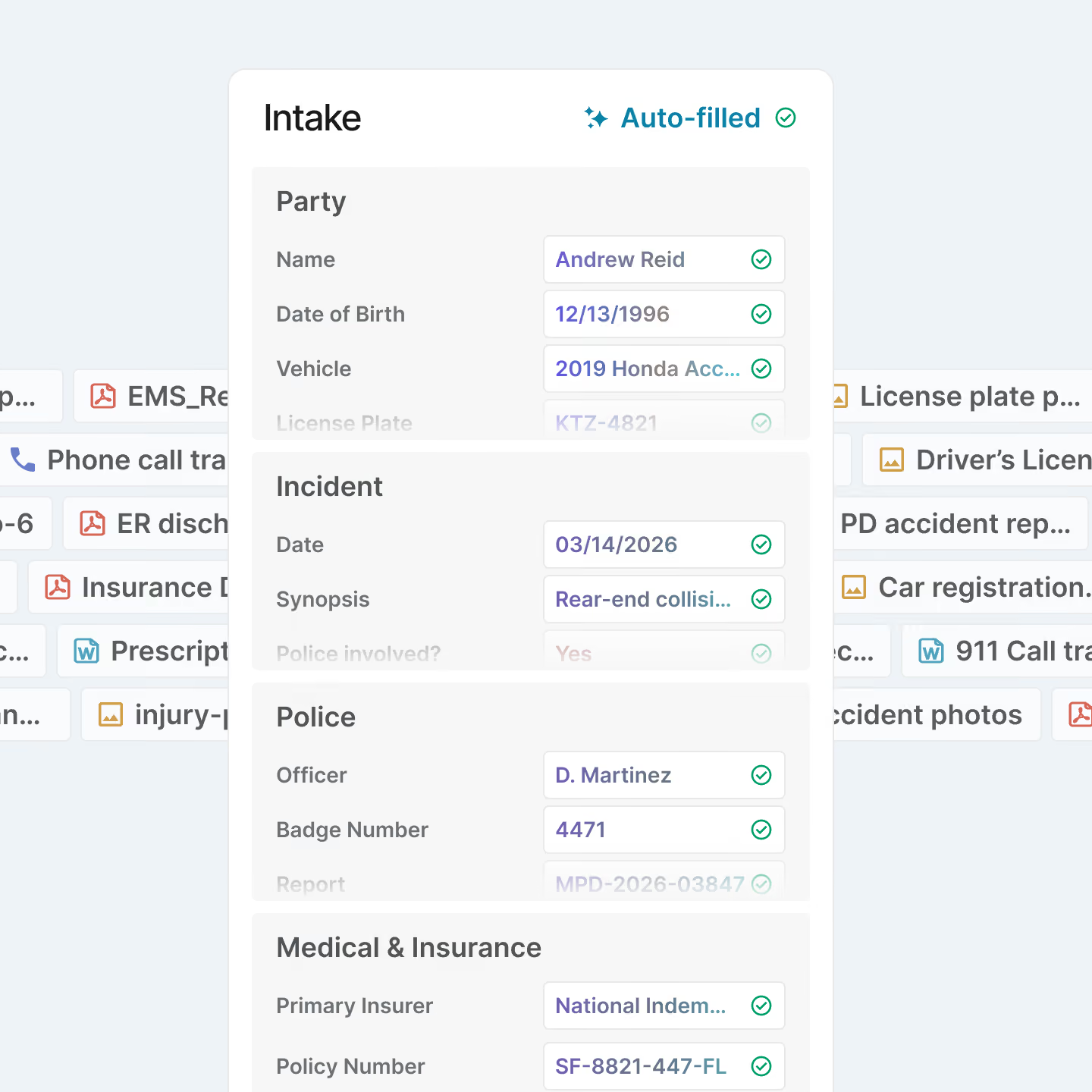
The case file starts at intake
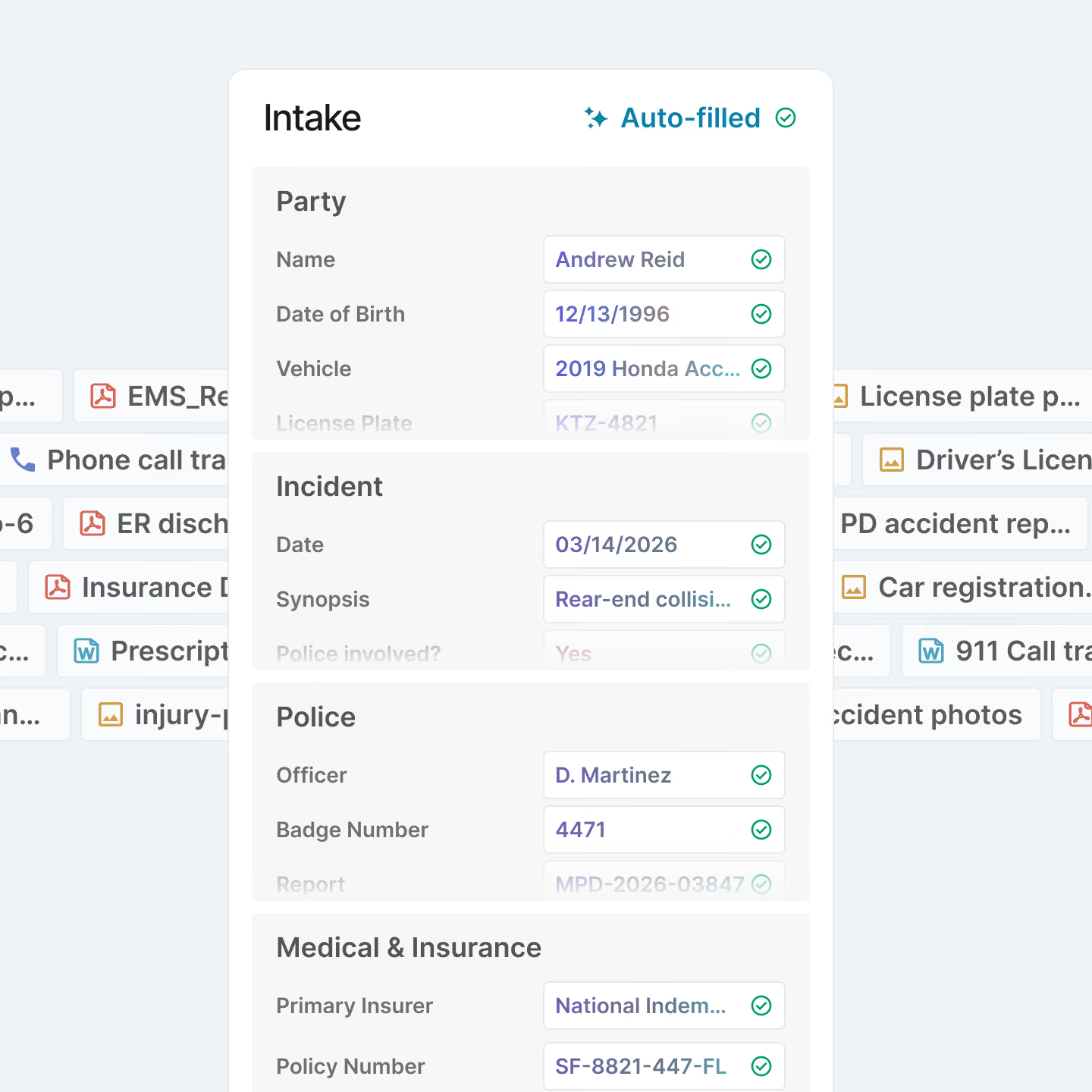
Upload a photo ID, business card, or health insurance card and Neos fills in the party details, then carries every file into the case when the intake converts. Nothing gets re-uploaded or retyped.
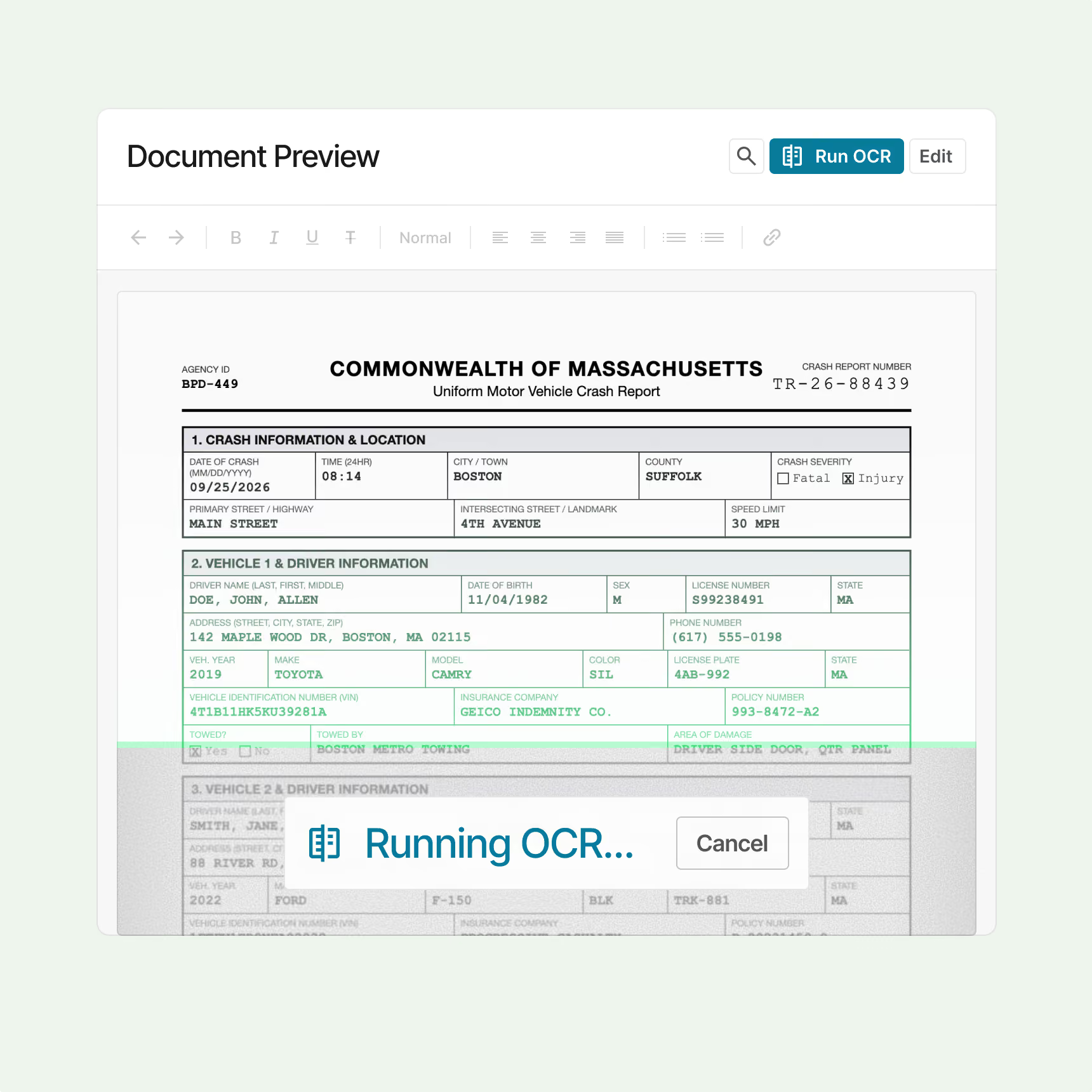
Every scanned page becomes searchable text
Records arrive as one long scanned PDF. Neos runs OCR on every page, and with NeosAI Platinum, pulls exams, diagnoses, medications, treatments, and medical codes into searchable, reportable fields.
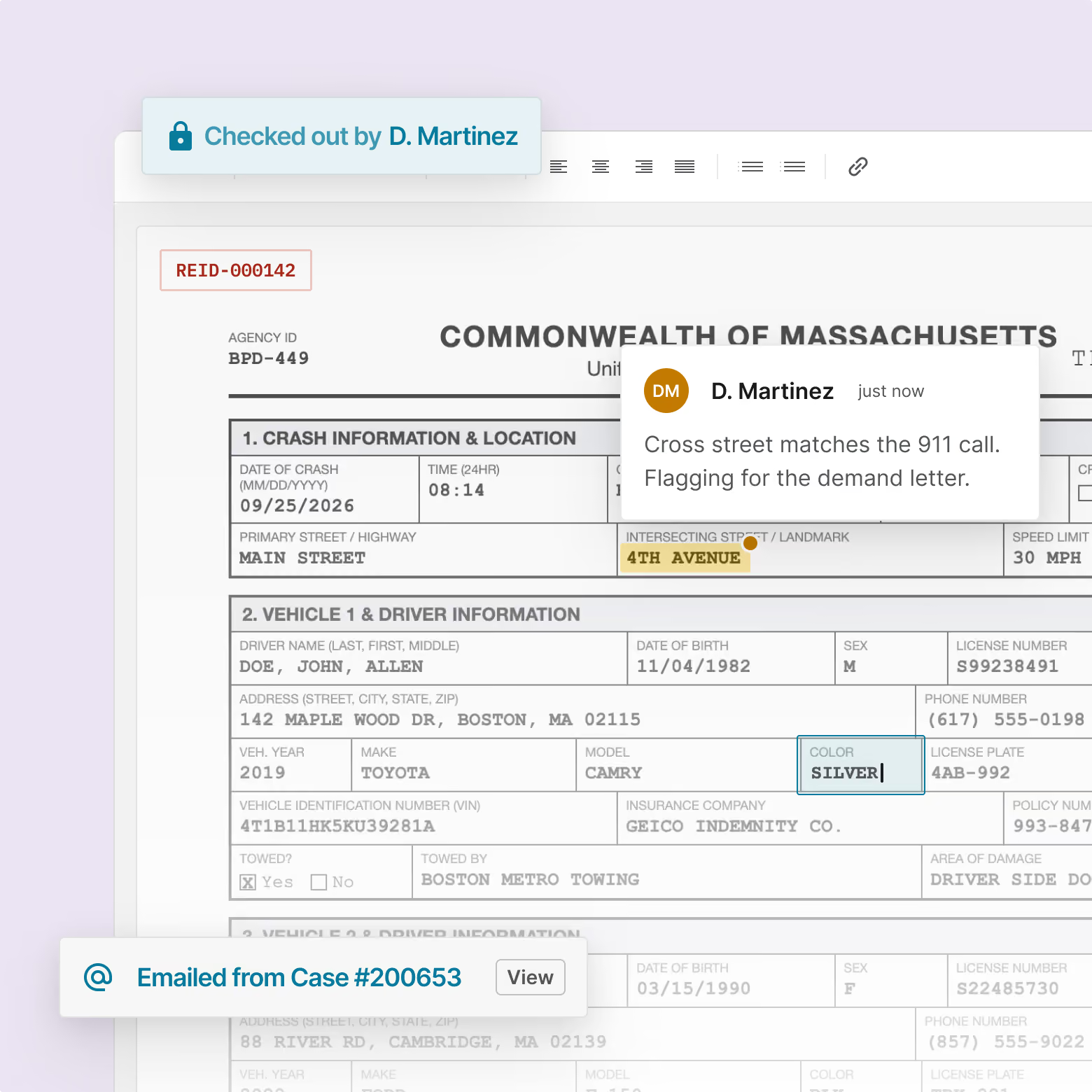
One copy of record, worked on inside the case
Once a page is OCR'd you can edit the PDF text, annotate it, Bates stamp it, and email it without leaving the case. Check-in and check-out keep the firm on one copy.
Letters and forms build from the case record
Templates pull the parties, values, dates, and layout fields already on the file, so letters, forms, and the demand package assemble from case data instead of a blank document.
Connects to the tools you already run on









Explore other features
Neos in Outlook
Every email lands in the right case once, dated when it was sent or received, so your team works from a complete case file. Included with Neos at no extra cost.
Already on Neos? Install from the Microsoft Store.

Frequently Asked Questions
What is legal document management?
Legal document management is how a firm stores, names, files, searches, and versions every document tied to a case. In personal injury that means medical records, police reports, photographs, correspondence, pleadings, bills, liens, and the demand package. Neos by Assembly Software is case management software built for personal injury firms, with 40 years in the category, and it handles document management inside the case record itself, so a document is filed to a case rather than to a folder.
What do law firms use for document management?
Most firms use one of three things: a shared drive, a standalone document management system, or their case management software. Personal injury firms have the hardest version of the problem, because one case can carry hundreds of pages of records from several providers, plus bills and liens. Neos stores documents in SharePoint, uses AI Document Review to file incoming documents to the right case automatically, and runs OCR so scanned pages are searchable.
What is the best document management system for law firms?
It depends on what the firm does all day. A transactional practice can run on a general document system. A personal injury firm needs documents attached to cases, because one case carries records from several providers plus bills, liens, and a demand package. Look for four things: automatic filing, full-text search across scanned documents, version control, and document generation that pulls from case data. Neos does this inside personal injury case management rather than as a separate system, and more than 1,100 personal injury firms run on it today.
What happens to the documents we already have?
Assembly's professional services team maps your existing files to the case record during implementation. Your converted data lands in a pre-production environment for you to validate. Nothing goes to production until you confirm what you see.