Keep every case moving from signed to settled
Phase-based workflows and checklists that assign every task to a named owner, so nothing stalls across the case lifecycle.
Video testimonial

It hits a checklist that walks you through to the end game: each step the paralegal takes, then the legal secretary, then the associate.
Partner and Trial Attorney, Lomurro Law
Legal workflow software that lives inside the case
Build the process your firm actually runs
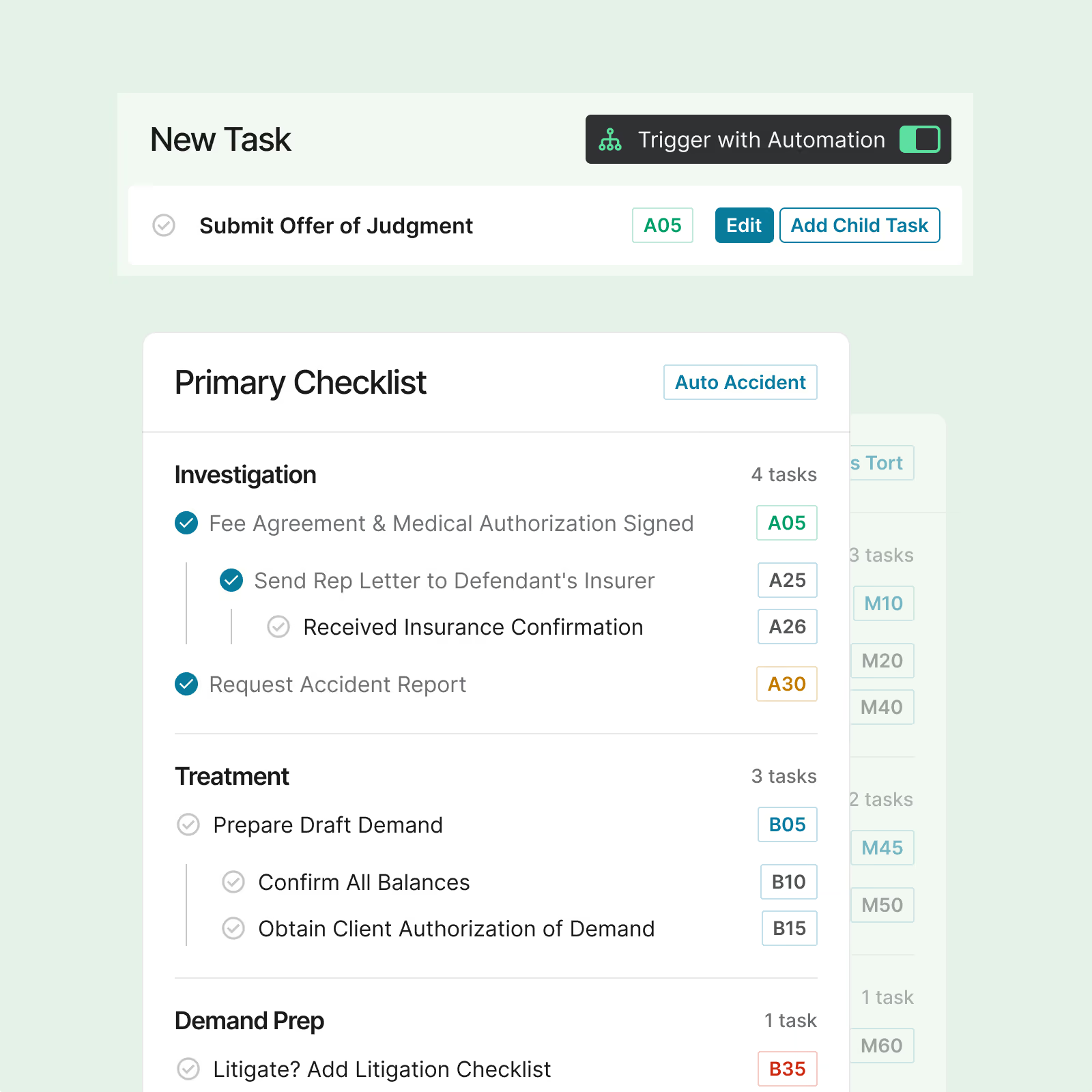
Phase-based checklists by case type, with parent and child tasks, so auto and mass tort never share one generic list.
Set it once, then let the case run it
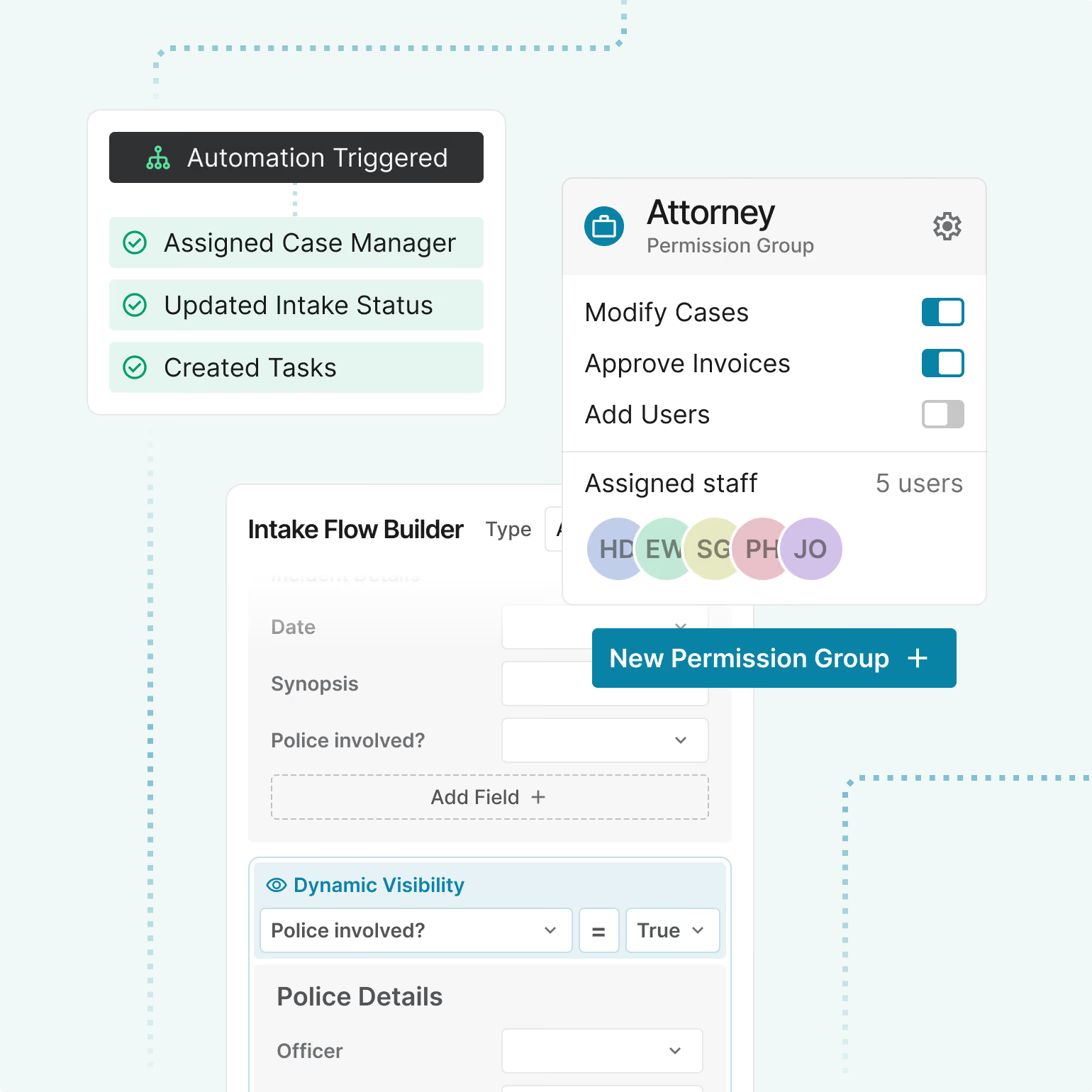
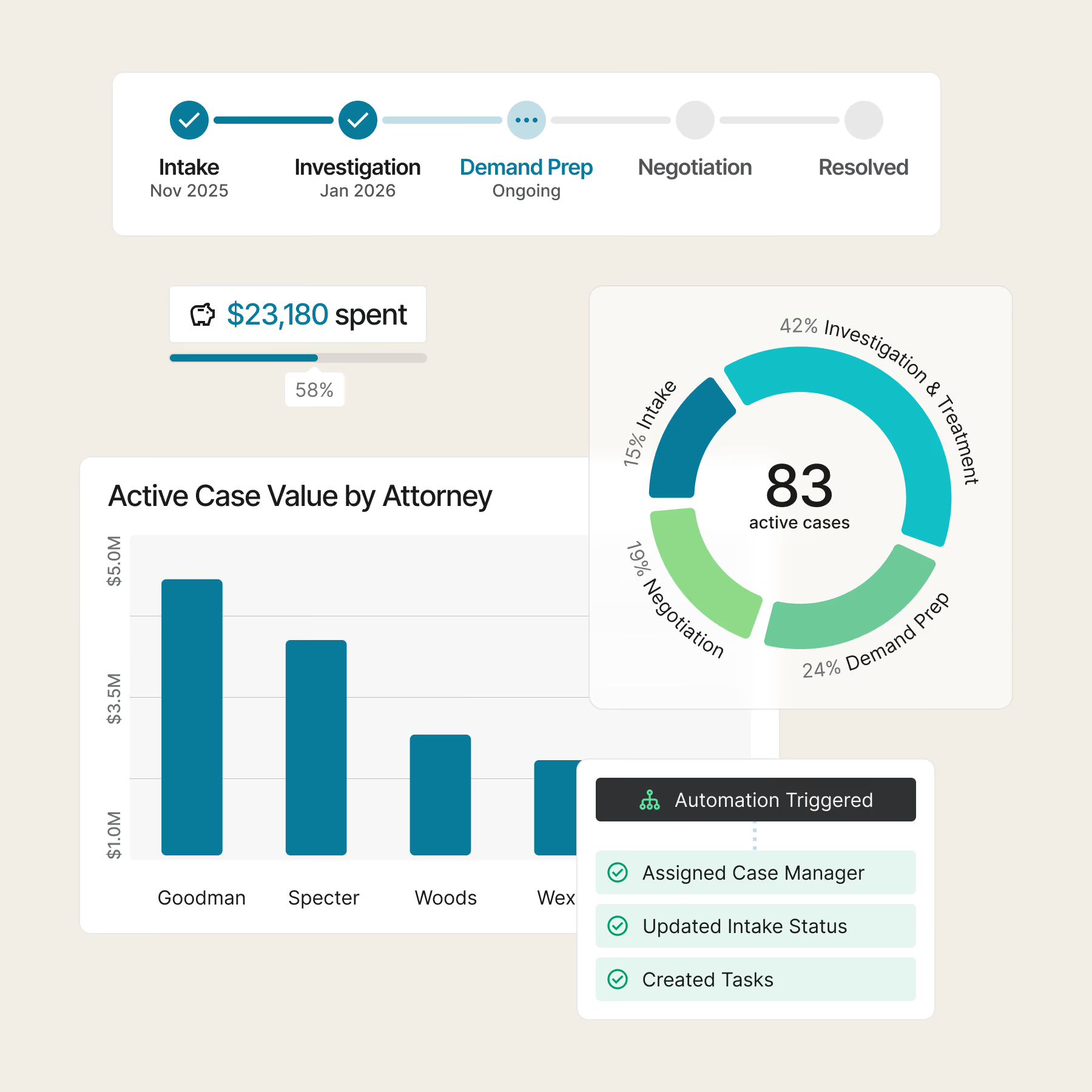
Automations fire on real case events (a case opening, an intake status changing, a case closing), so the next step starts itself.
Put every task in the right hands
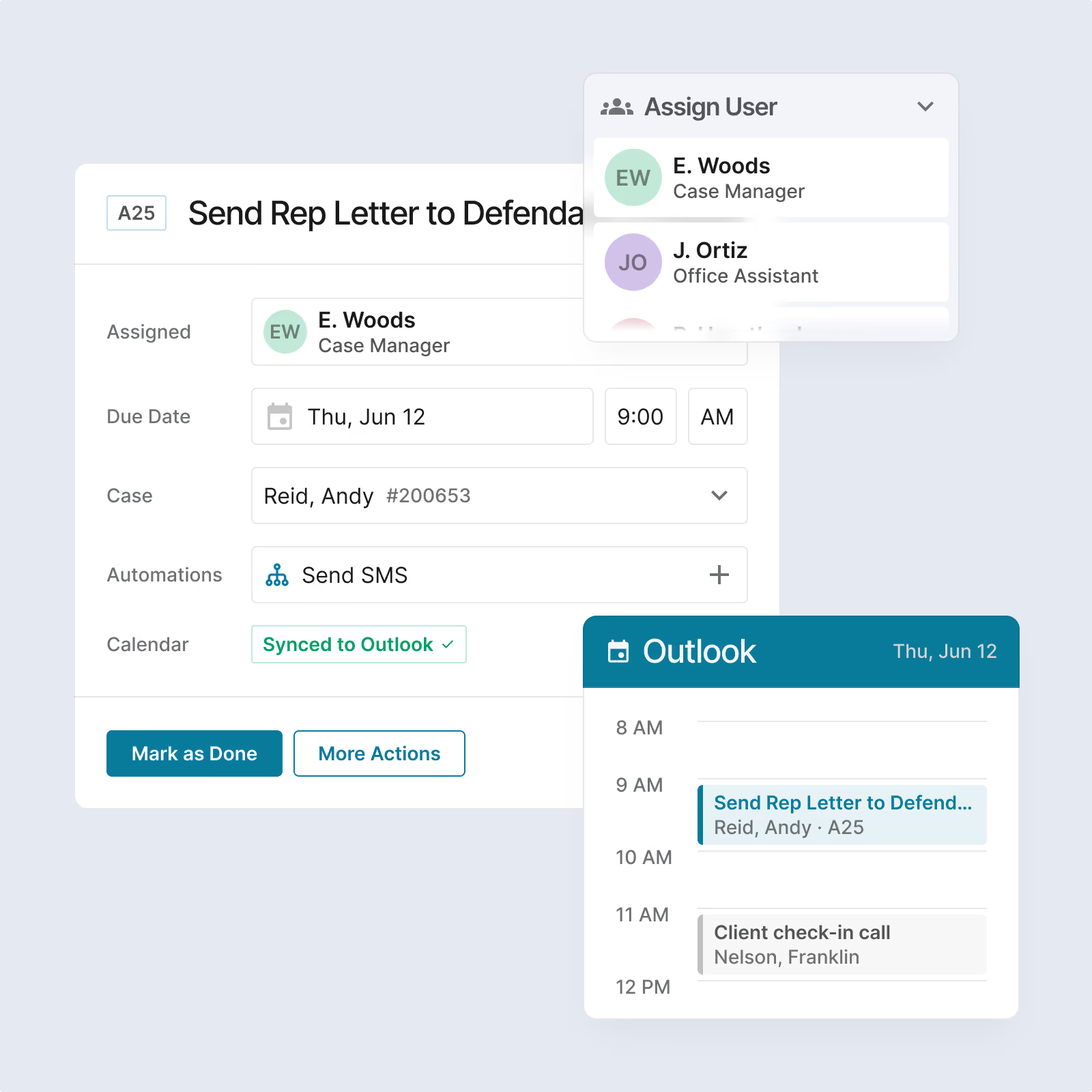
Every task lands on a named person with a due date and can sync to Outlook, so work reaches whoever owns it that day.
See what’s stalled in one view
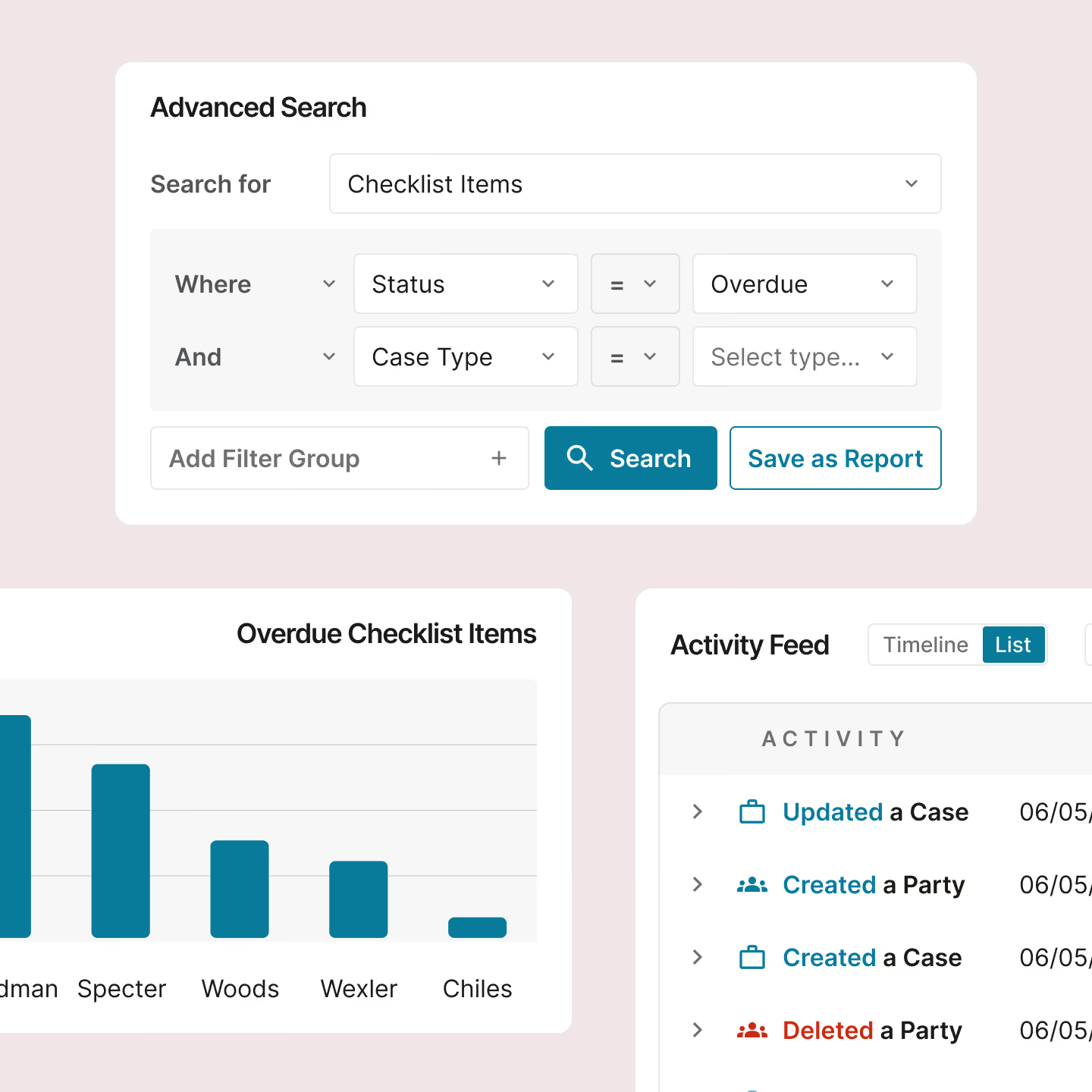
Filter and sort overdue checklist tasks in Advanced Search, so the work that stopped moving shows up before anyone asks.
Connects to the tools you already run on









Explore other features
Neos in Outlook
Every email lands in the right case once, dated when it was sent or received, so your team works from a complete case file. Included with Neos at no extra cost.
Already on Neos? Install from the Microsoft Store.

Frequently Asked Questions
What is legal workflow software?
Legal workflow software moves a case through its steps automatically, assigning each task to a person and firing the next step when a case event happens. A legal case management workflow is the path a case takes from open to closed. Many tools bolt a generic task list onto a case record. Neos builds that workflow into the case itself, by case type and phase.
How do personal injury firms automate case workflows?
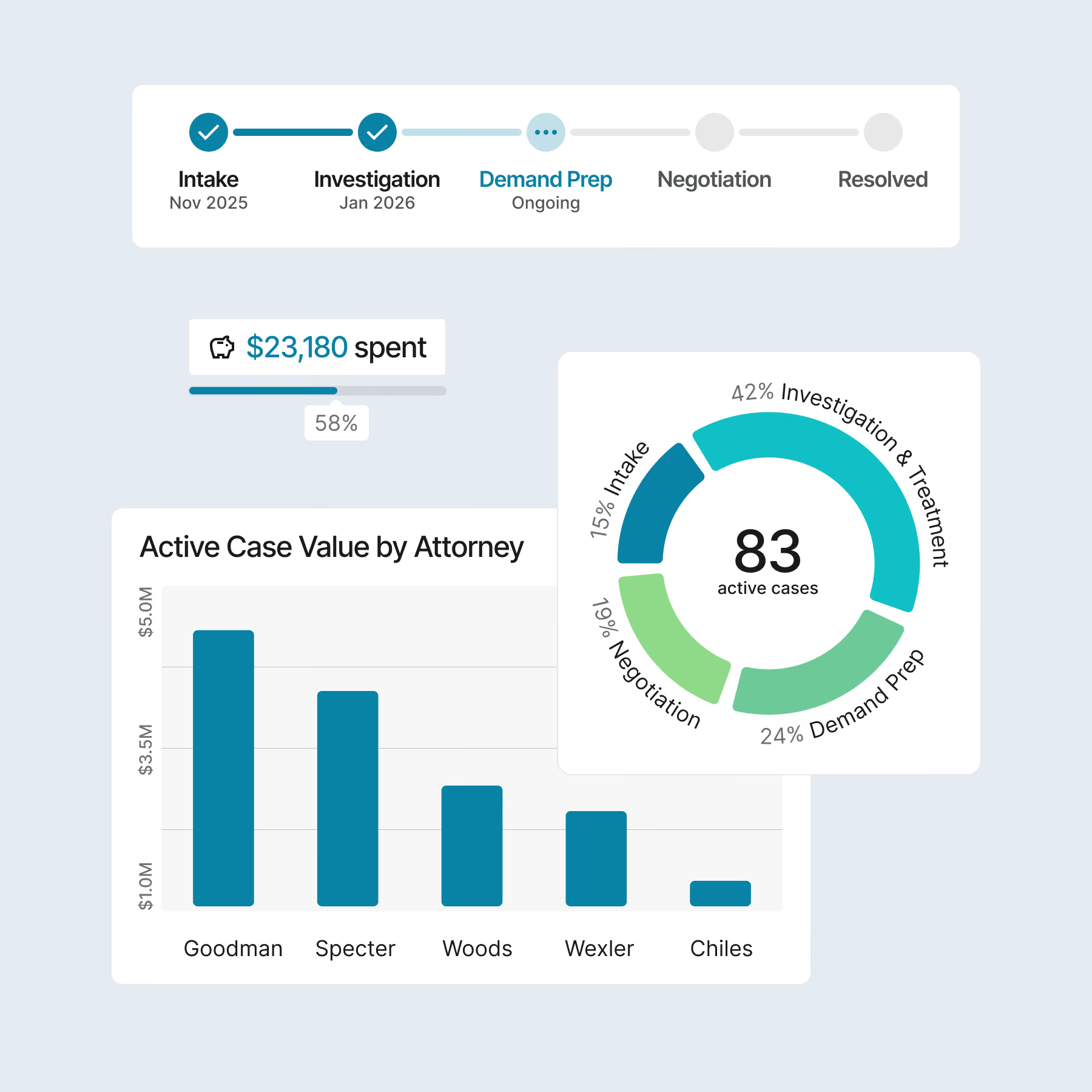
Personal injury firms automate case workflows by attaching a checklist to each case type, then letting case events advance it. A checklist follows the case lifecycle: intake, treatment, records, demand, negotiation, litigation, settlement, and disbursement. In Neos, automations fire when a case opens, an intake status changes, a checklist task is added, or a case closes.
Who sets up the checklists?
Your firm administrator builds them directly in Neos, no support ticket required. Checklists and automations are created and edited from the Automations Directory, and you can duplicate a case type rather than start over for each one. Assembly assigns a project manager, a systems engineer, and a trainer who stay with your firm through go-live.
How do you keep case deadlines from slipping?
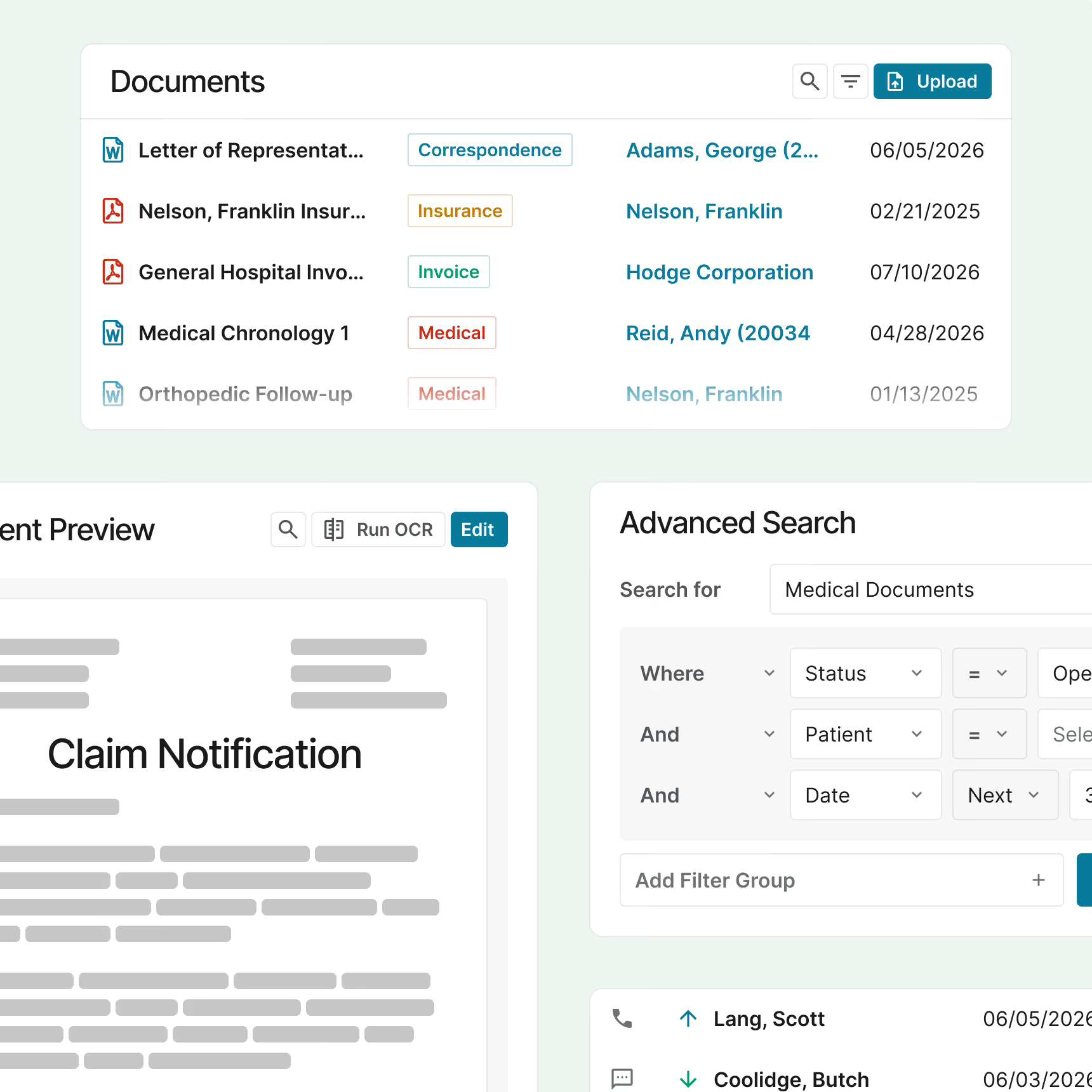
Every checklist task carries a due date, reminders go to each collaborator on their own schedule, and selected tasks sync to Outlook. Overdue tasks are a filter and a column in Advanced Search, so the whole firm's slipping work reports in one view. Court rules and calculated deadlines come through the LawToolBox integration.