Know what your cases are worth today, not at the end of the month
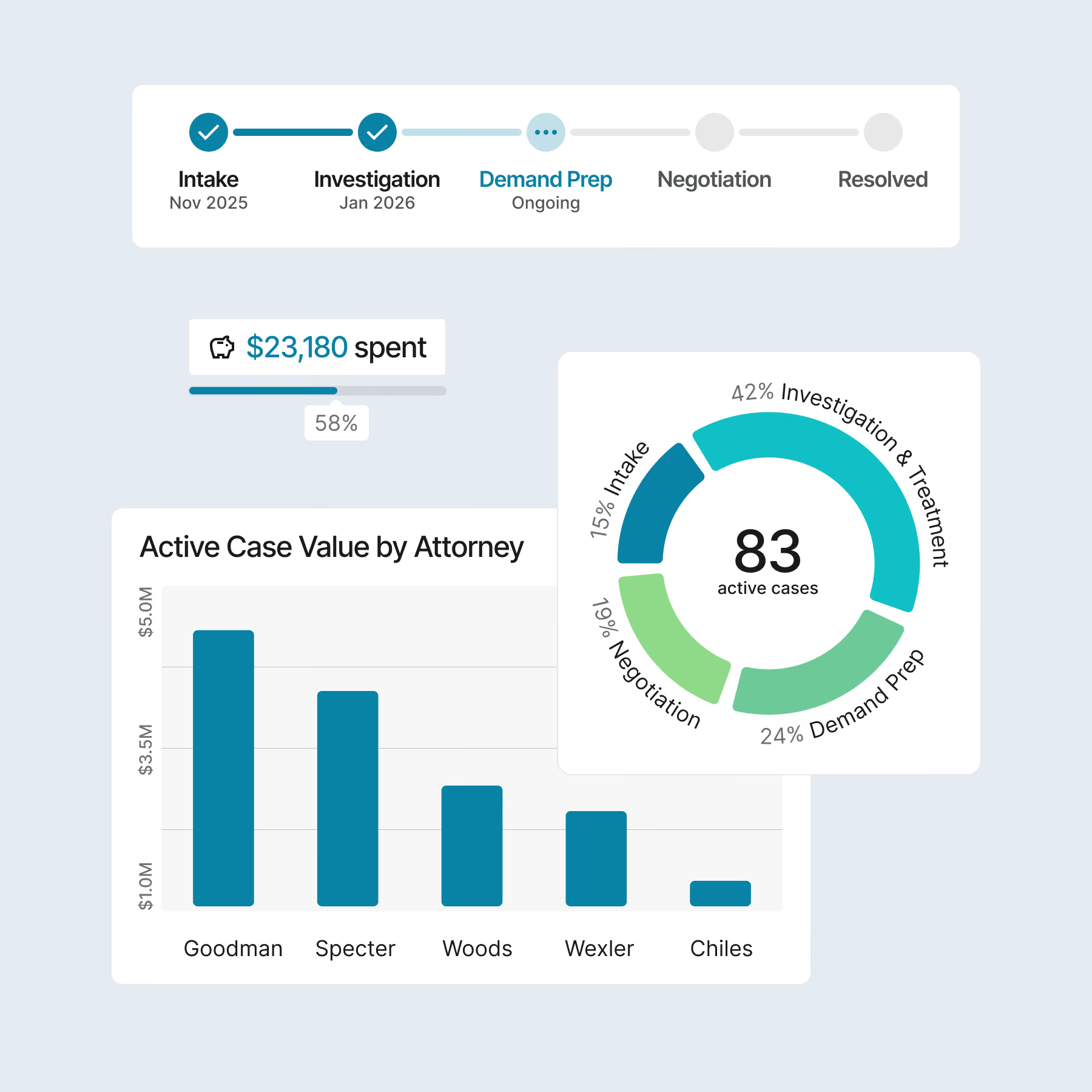
Reports run on live case data, so anyone at the firm can pull their own numbers.
Video testimonial

As everyone puts their notes into the fields, you can look quickly and see what's happening. That, to me, has been the biggest help.
Trial Attorney, Barrera Law Group
Your cases already have the answers
Get the number without asking anyone
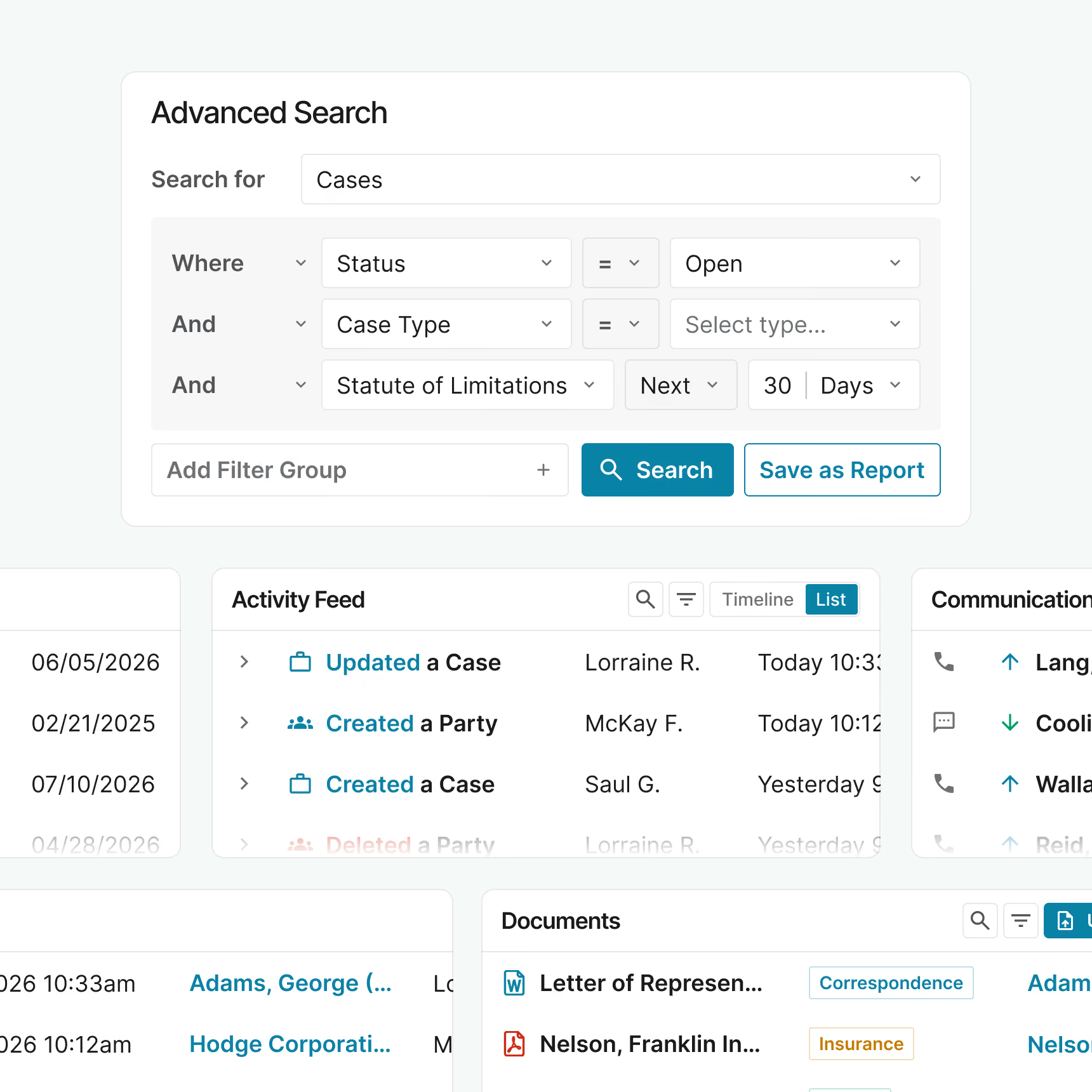
Build a report from any record in the firm, group it by case type, stage, or staff, and run it yourself. No SQL, no separate reporting tool, and no ticket sitting in someone's queue.
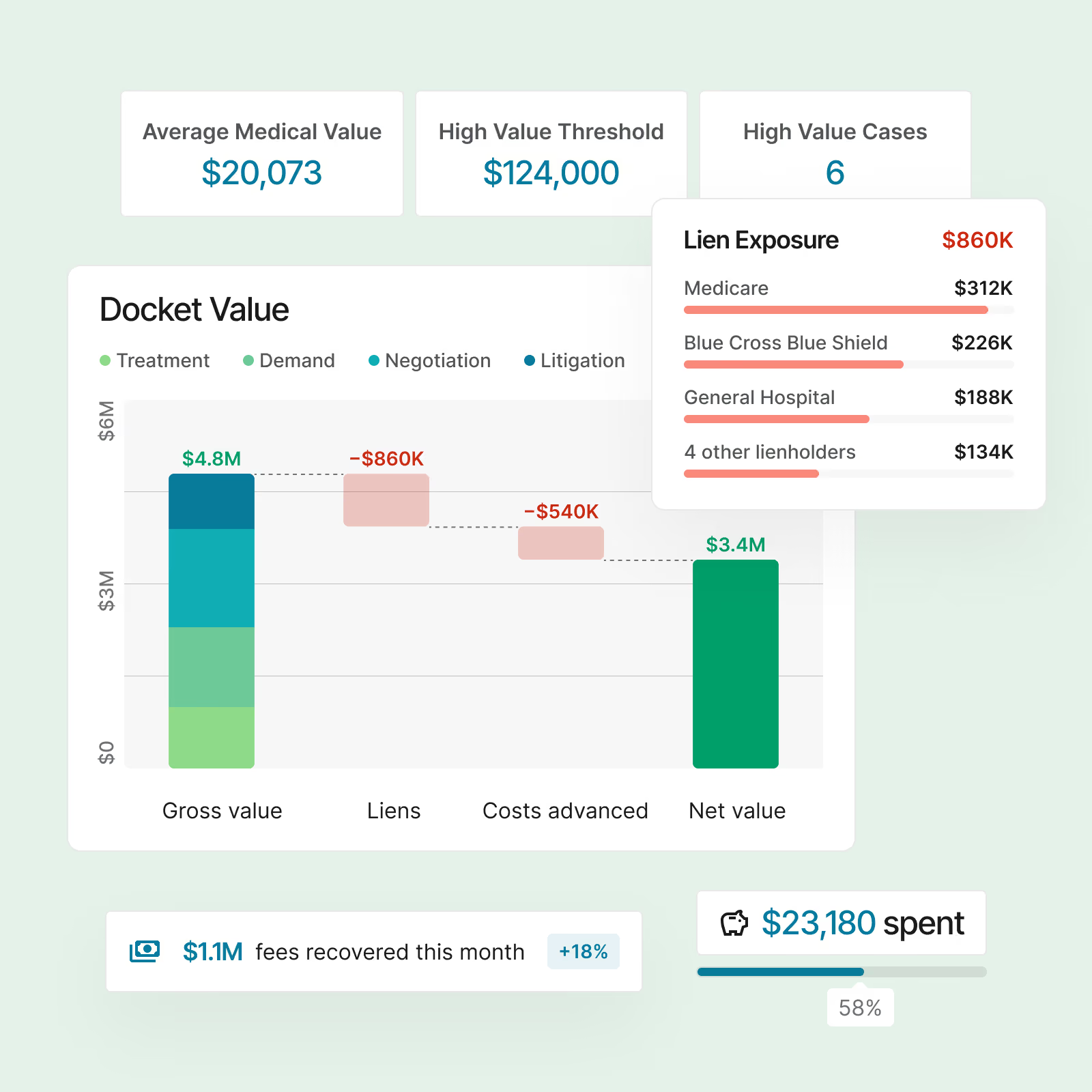
See what every case is actually worth
Track case value by stage, costs advanced against fees recovered, and lien exposure across the docket, so you know where the firm’s money is sitting before the month closes.
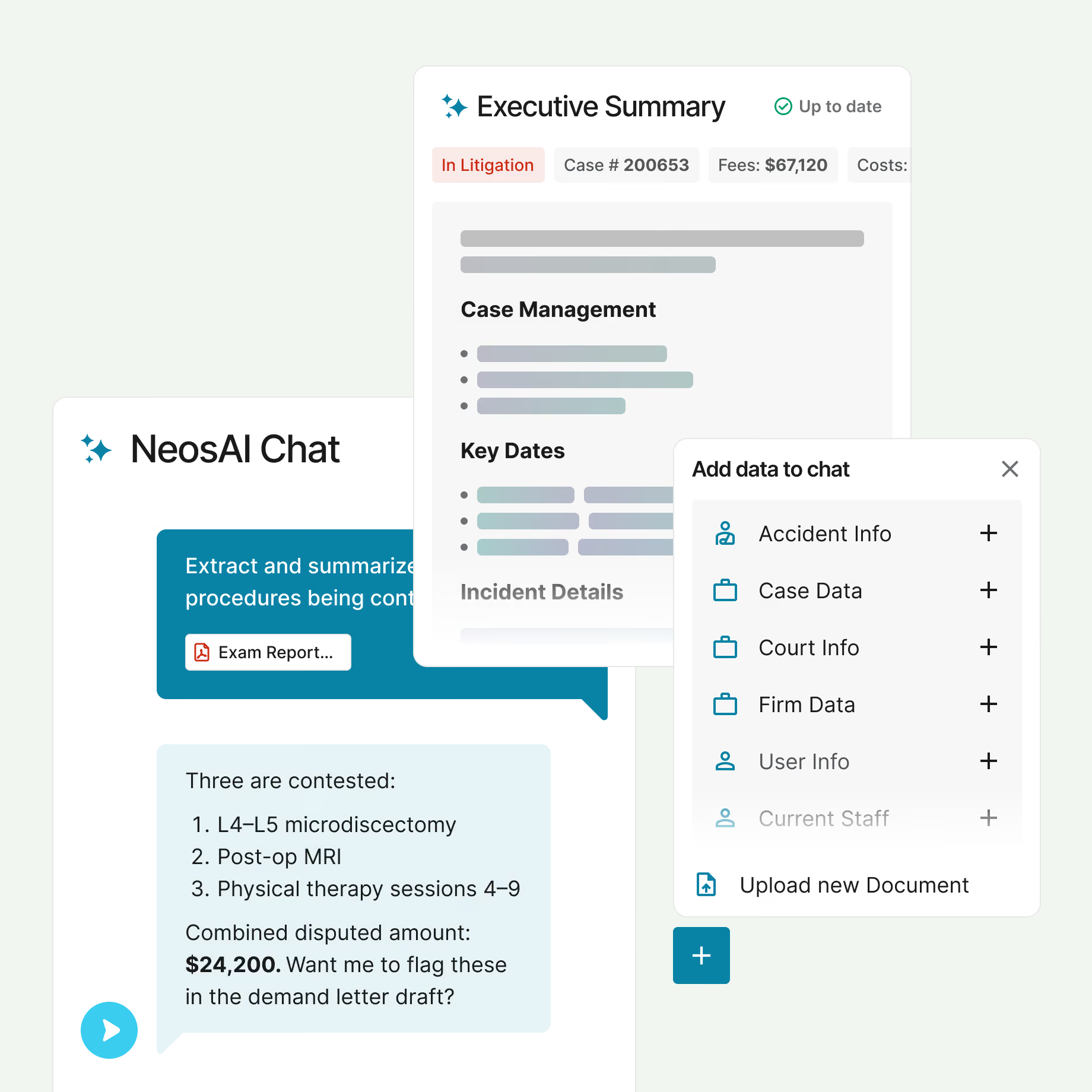
Turn records into reportable data
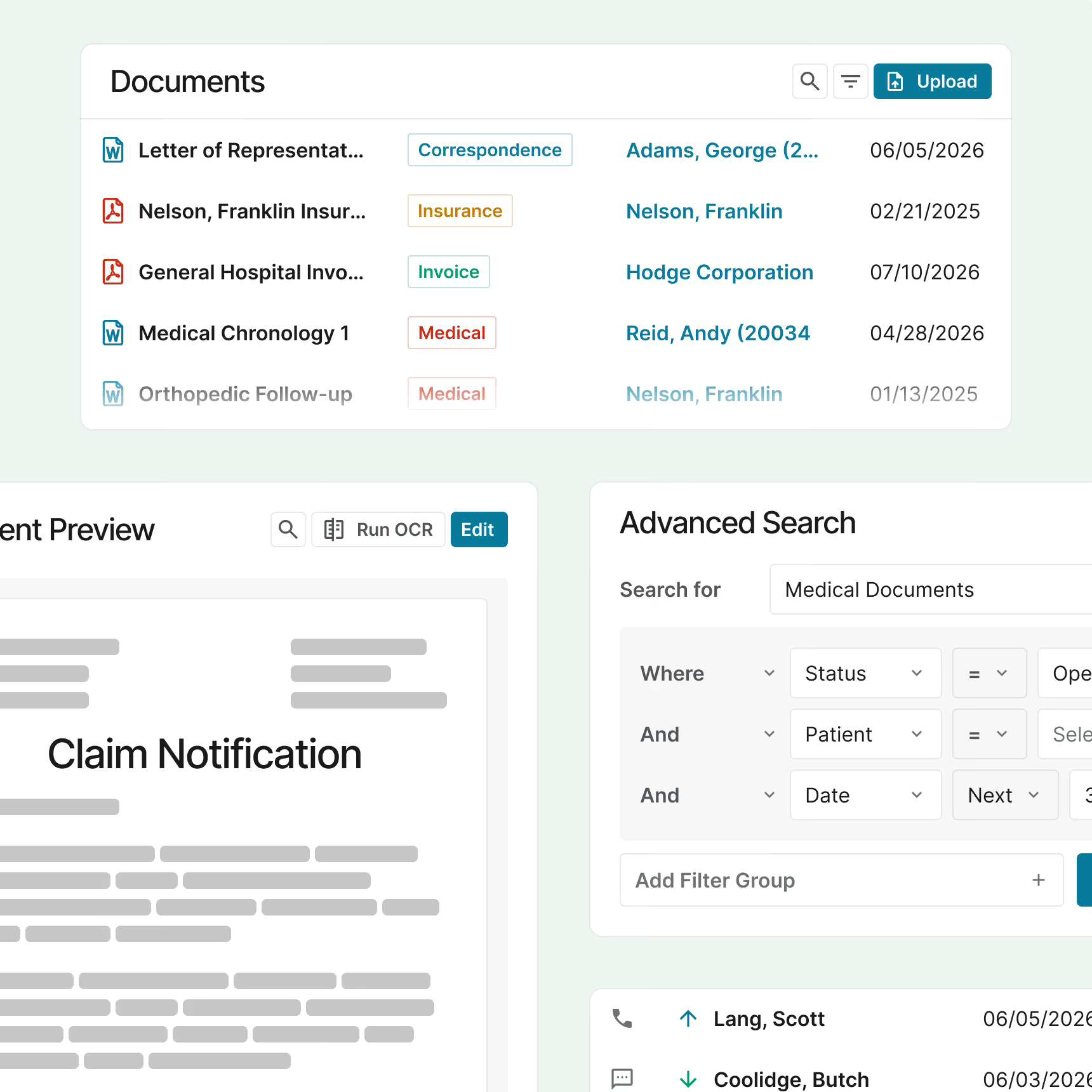
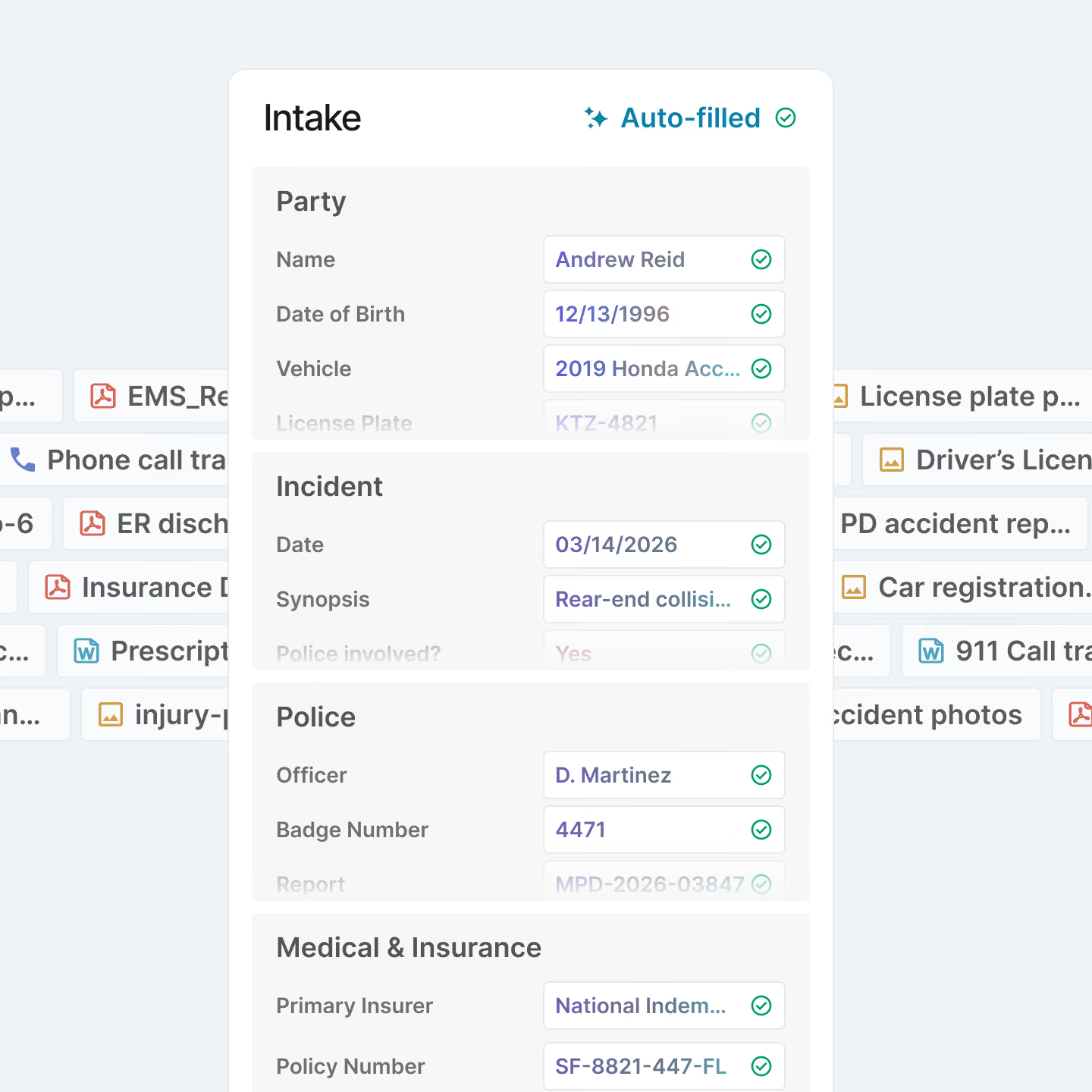
NeosAI extracts diagnoses, treatments, and providers out of medical records into fields, so you can filter and group by medical code instead of opening documents one at a time.
Put the report to work automatically
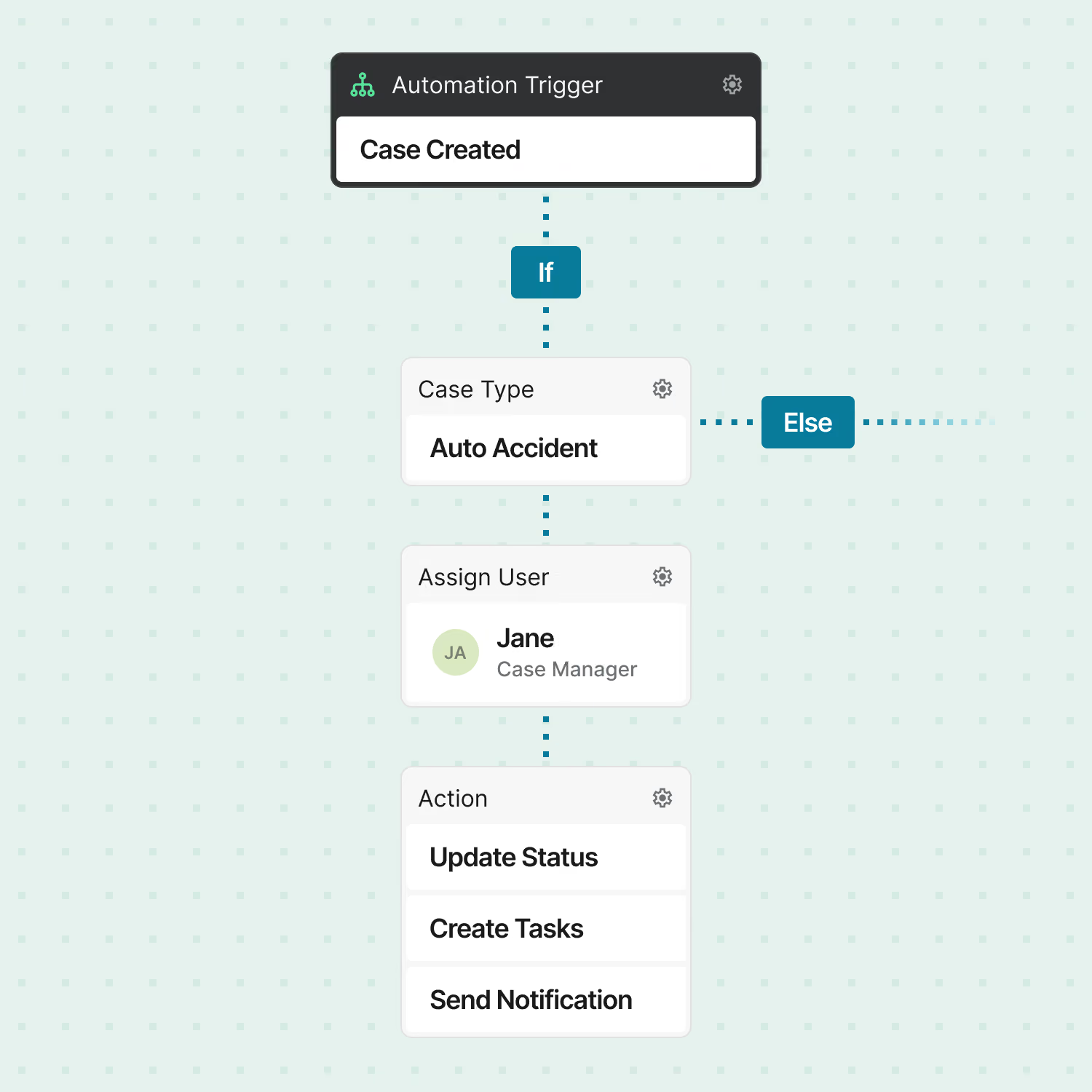
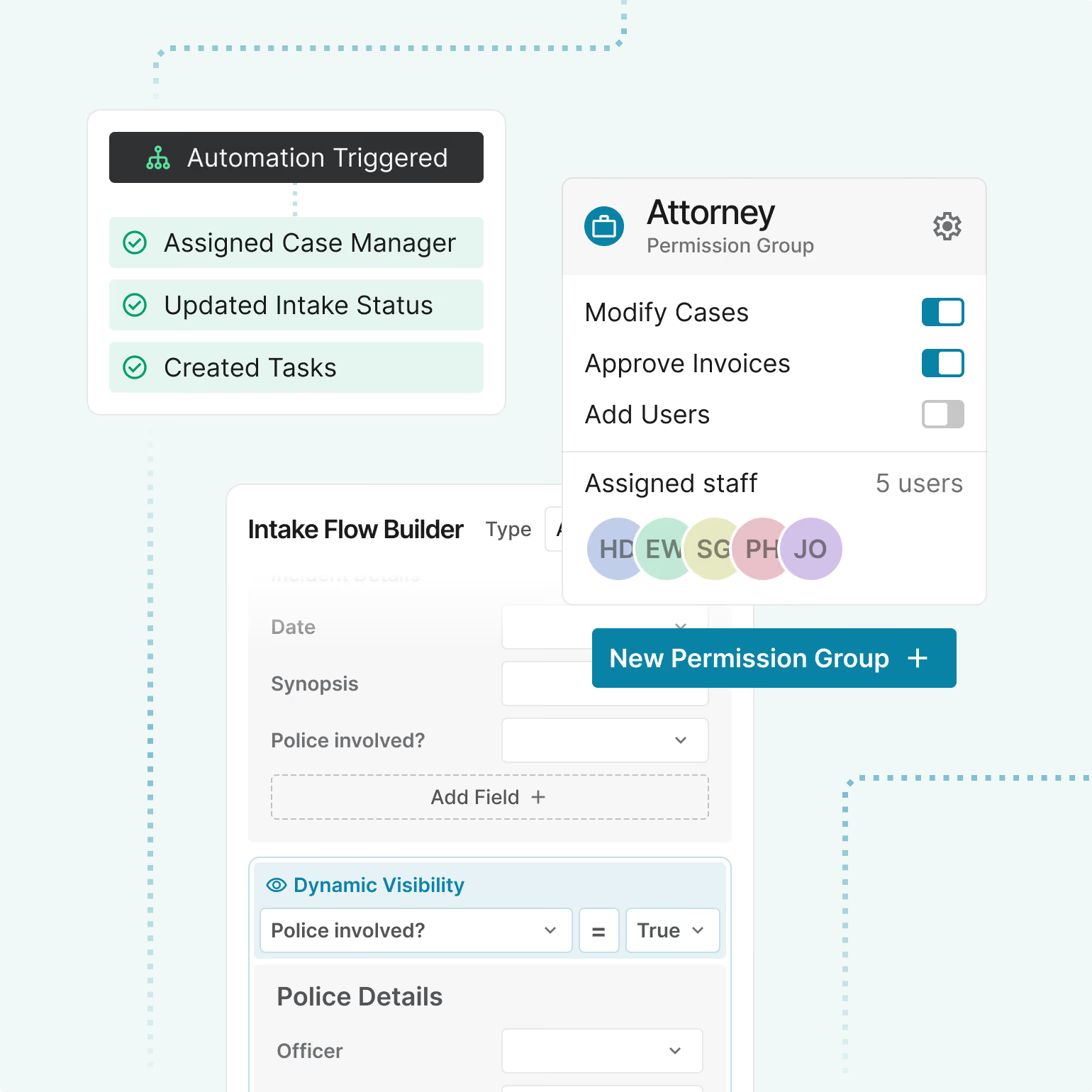
Send the Monday statute list on a schedule, or attach a saved report to an automation so the workflow only fires on the cases that match. Nobody rebuilds it each week.
Connects to the tools you already run on









Explore other features
Neos in Outlook
Every email lands in the right case once, dated when it was sent or received, so your team works from a complete case file. Included with Neos at no extra cost.
Already on Neos? Install from the Microsoft Store.

Frequently Asked Questions
What KPIs should a personal injury firm track?
Personal injury firms run on contingency, so the billable hour metrics most generic law firm KPI guides recommend don't apply. Track signed cases by source, average time from intake to settlement, treatment status by provider, statute of limitations exposure, case value by stage, and lien balances outstanding. Assembly Software, the company behind Neos, has built case management for personal injury firms for more than 40 years, and Neos reports on all six from live case data.
What is a law firm dashboard?
A law firm dashboard is a single screen showing the cases, tasks, deadlines, and financials a person is responsible for, updated from live case data rather than a monthly export. In Neos, each person sees their own view filtered to them, so one saved dashboard serves the whole firm instead of a separate copy per user.
How do you track profitability on contingency cases?
Contingency firms can't use the utilization and realization rates most law firm profitability guides are built on, because there are no billable hours to measure. Track profit per case type, costs advanced against fees recovered, return by referral source, time from signature to settlement, and lien exposure. Neos reports on each from the case record, so the math isn't rebuilt in a spreadsheet.
Can you build law firm reports without a developer?
Yes. Reports in Neos are built in Advanced Search, where you pick a record type, add your conditions, and choose columns from a list. No SQL and no separate reporting tool is required, and a report saved once can be shared firm wide so one person’s build serves everyone.